Batch product photo editor for resellers
Clean, consistent photos for your whole shop.
Upload up to 50 photos per batch, choose a style, and download. Get clean backgrounds, natural-looking shadows, and matching framing across the batch.
One-time packs from $10. No subscription.
No signup or card.
Your shop
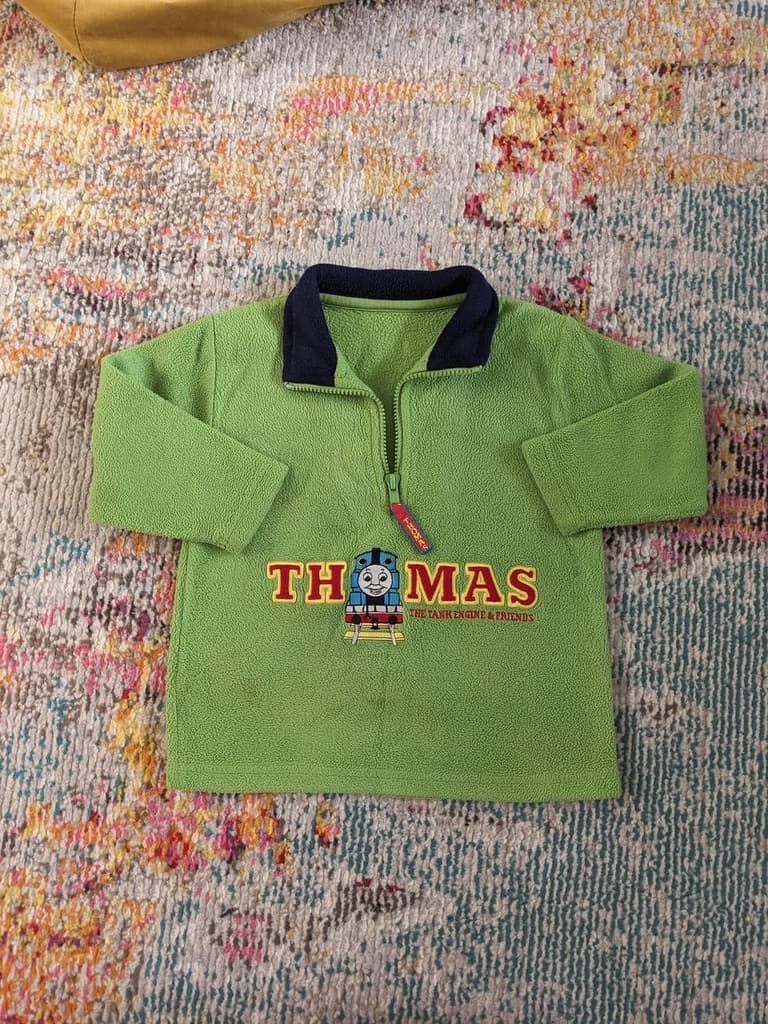
Green Thomas fleece
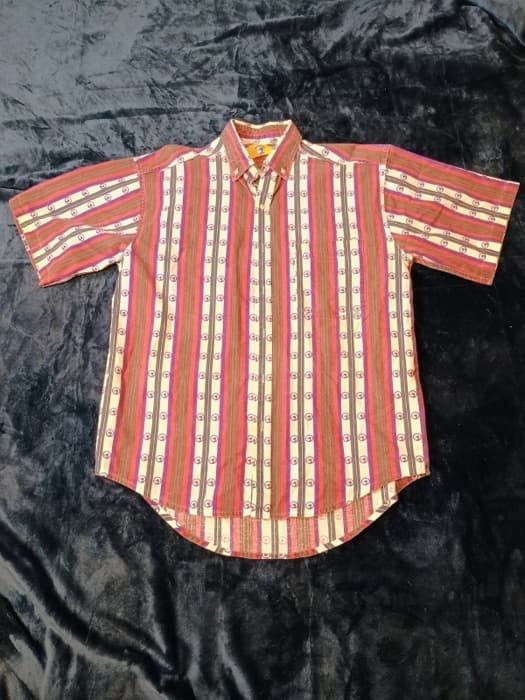
Striped button-up
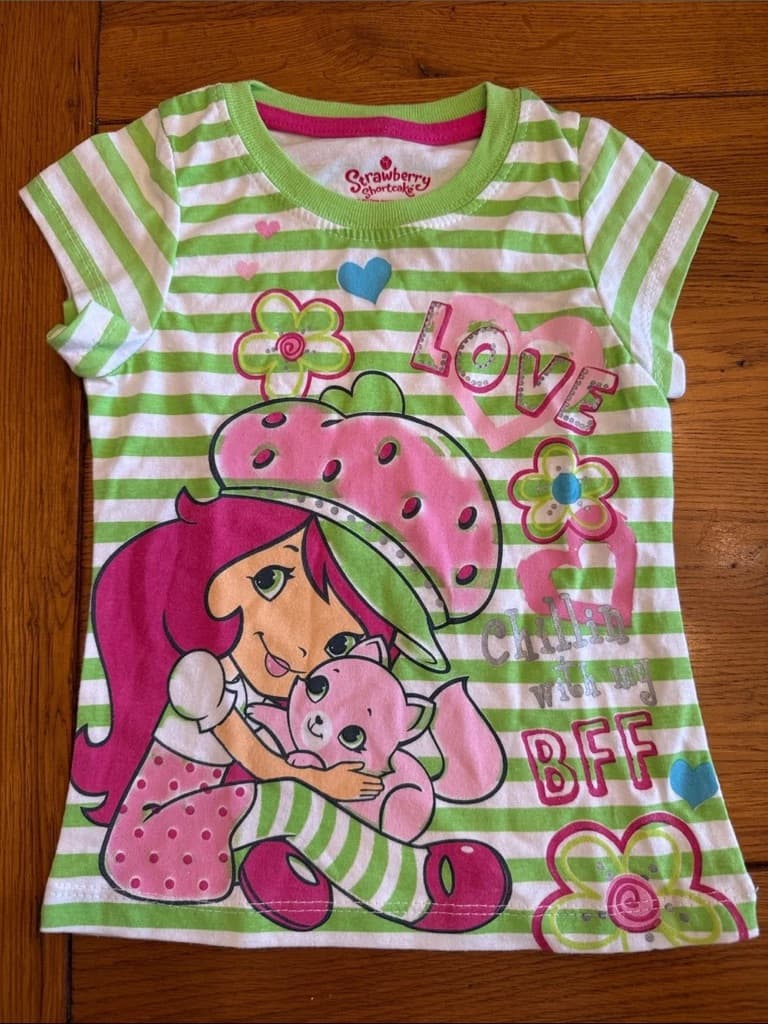
Strawberry striped tee
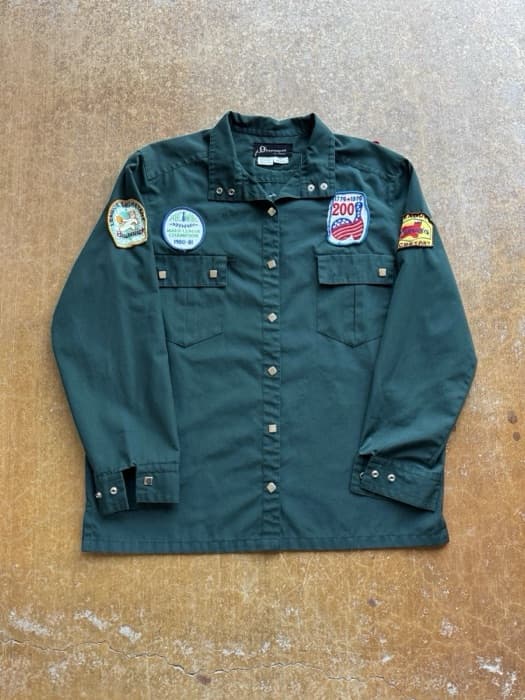
Patch utility shirt
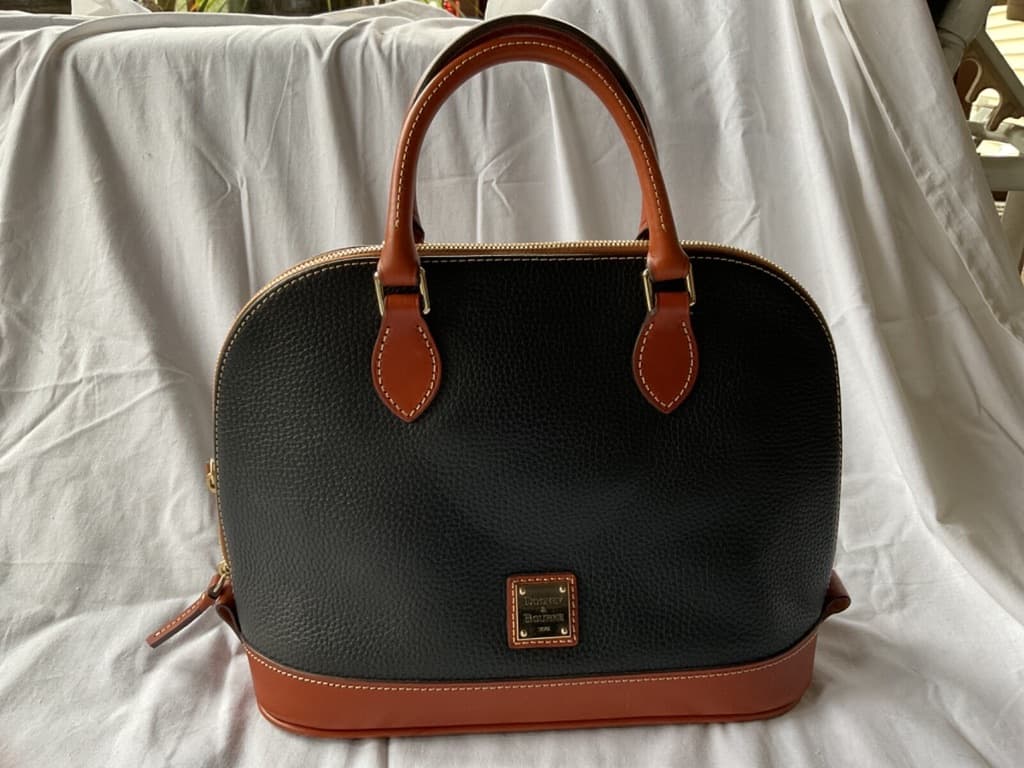
Leather handbag
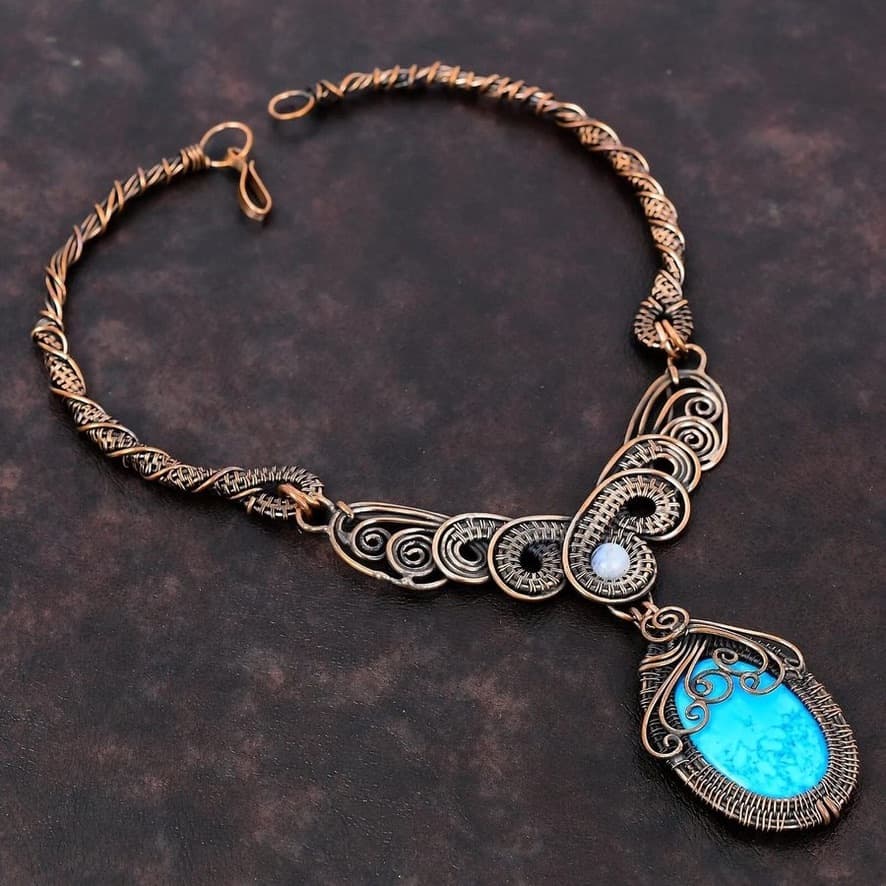
Copper turquoise necklace
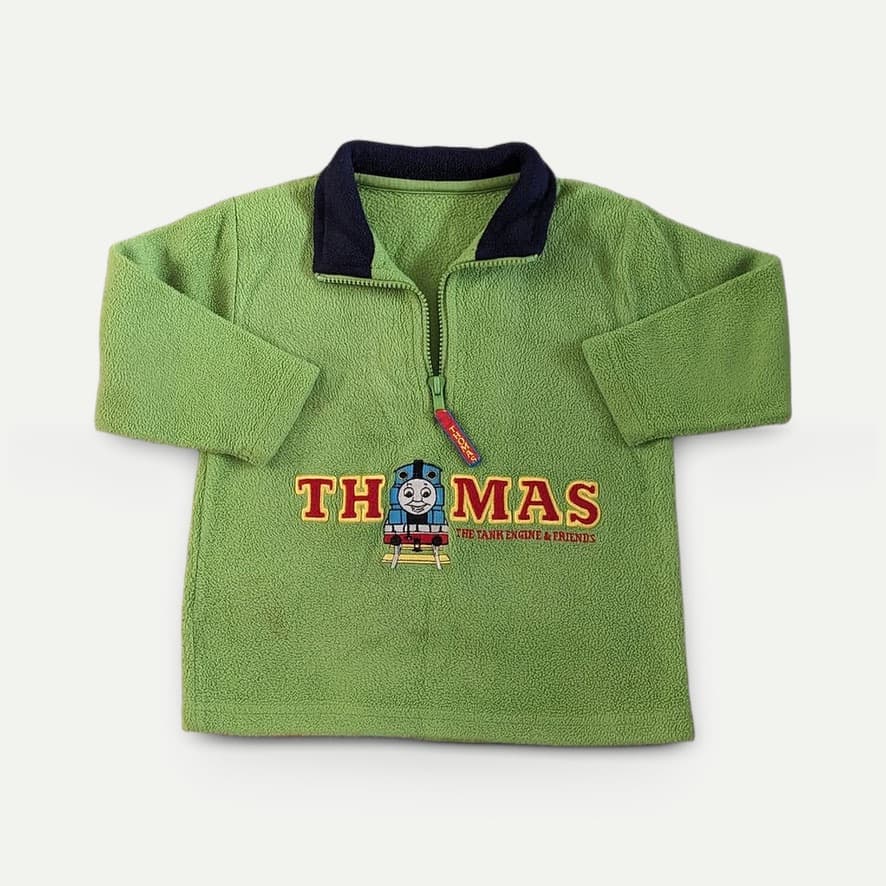
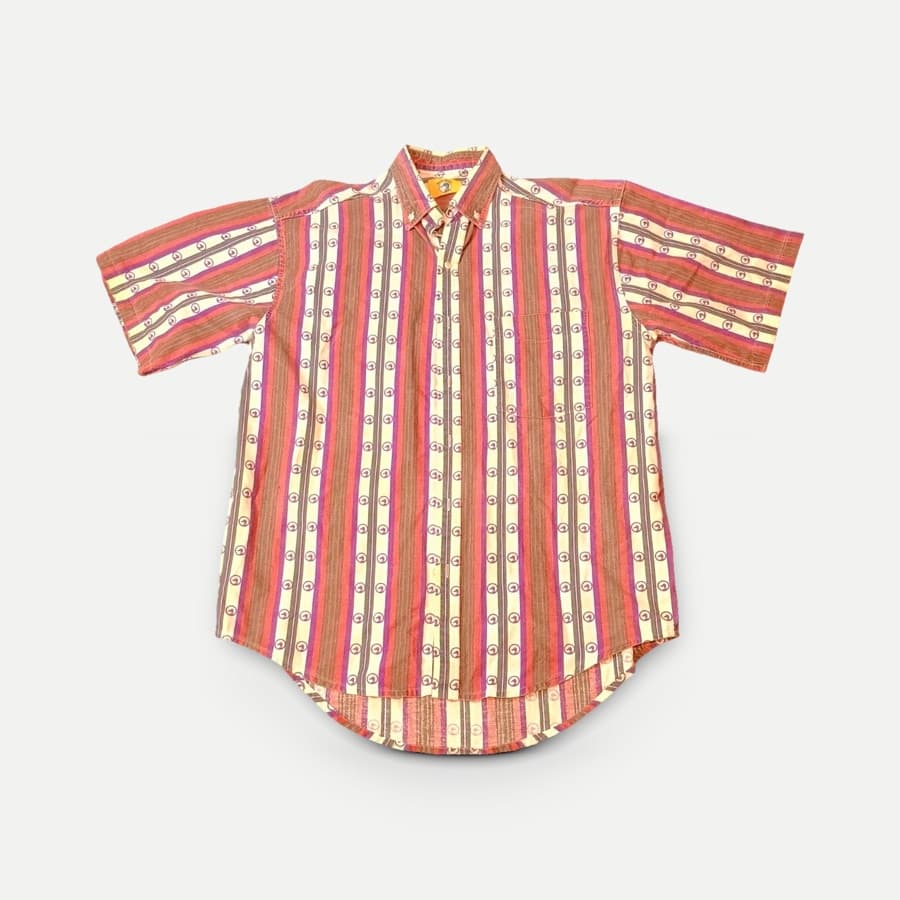
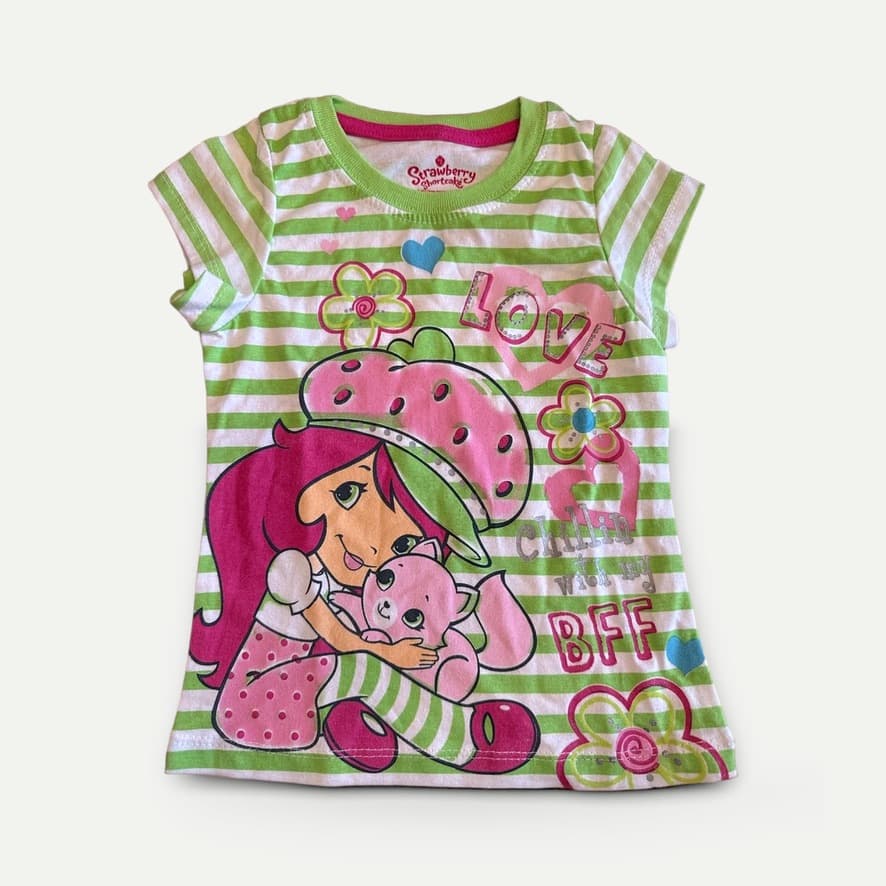
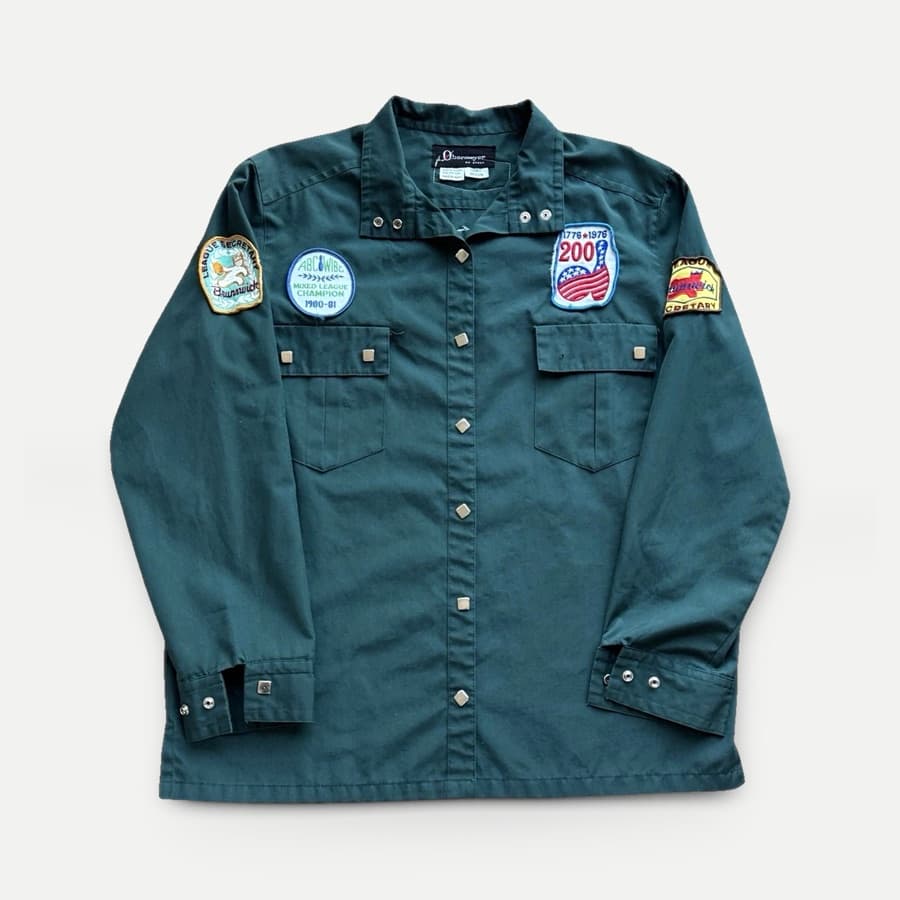
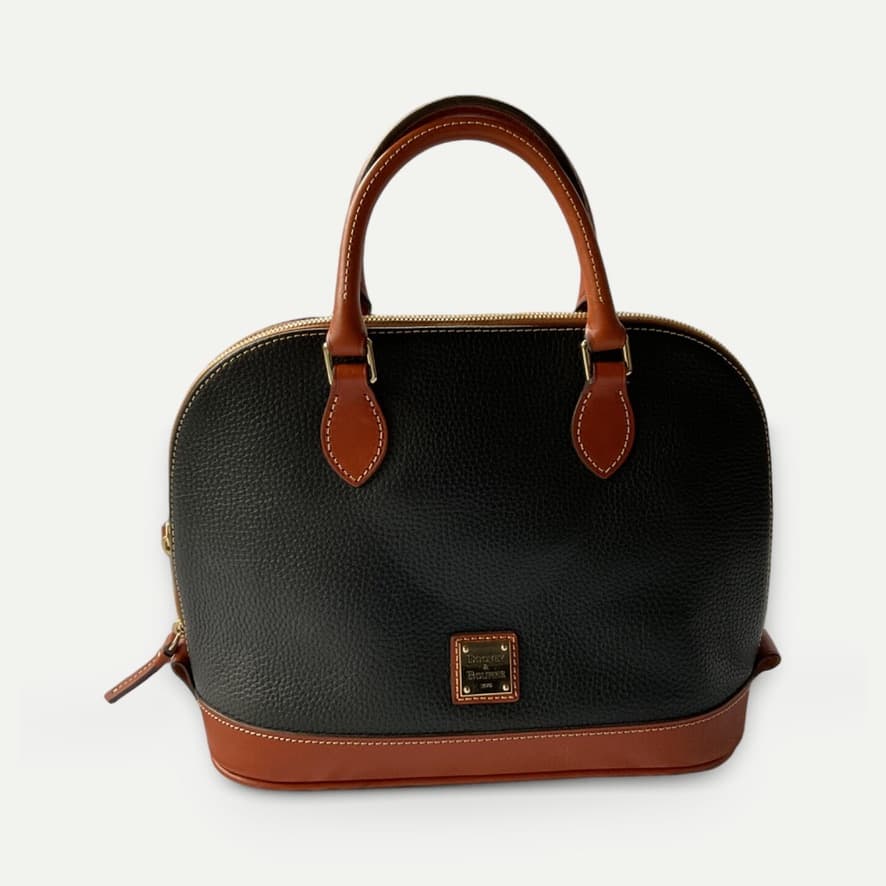
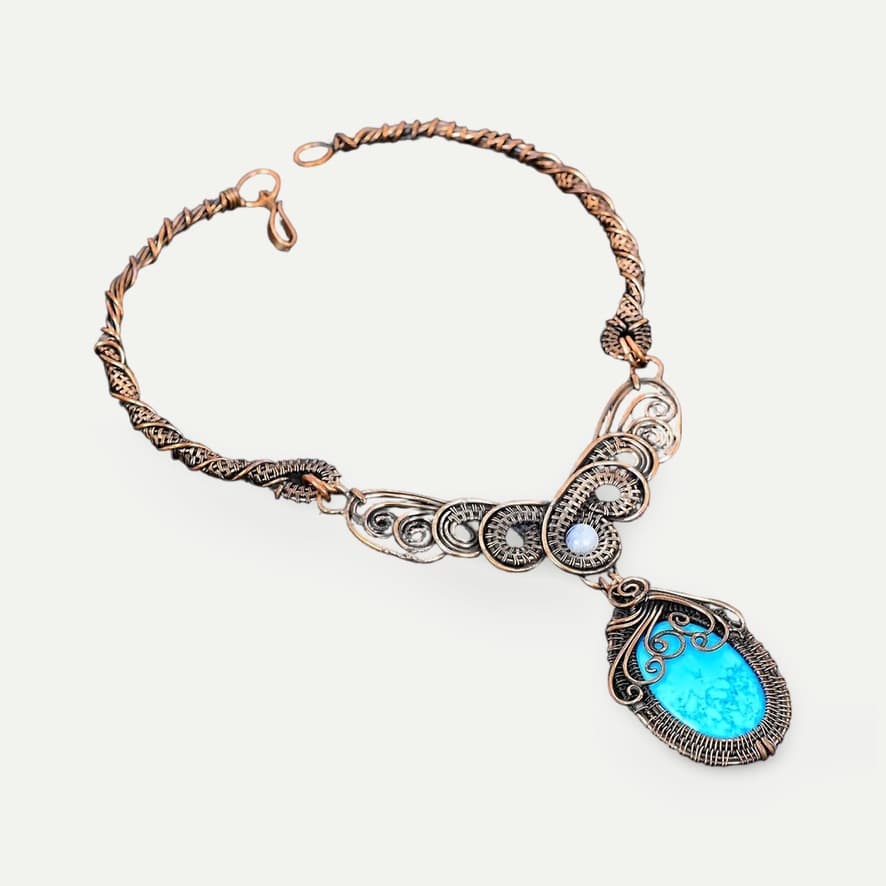
Showing original photos
Real photos processed with Photolister.
Original phone photos · 31 real products
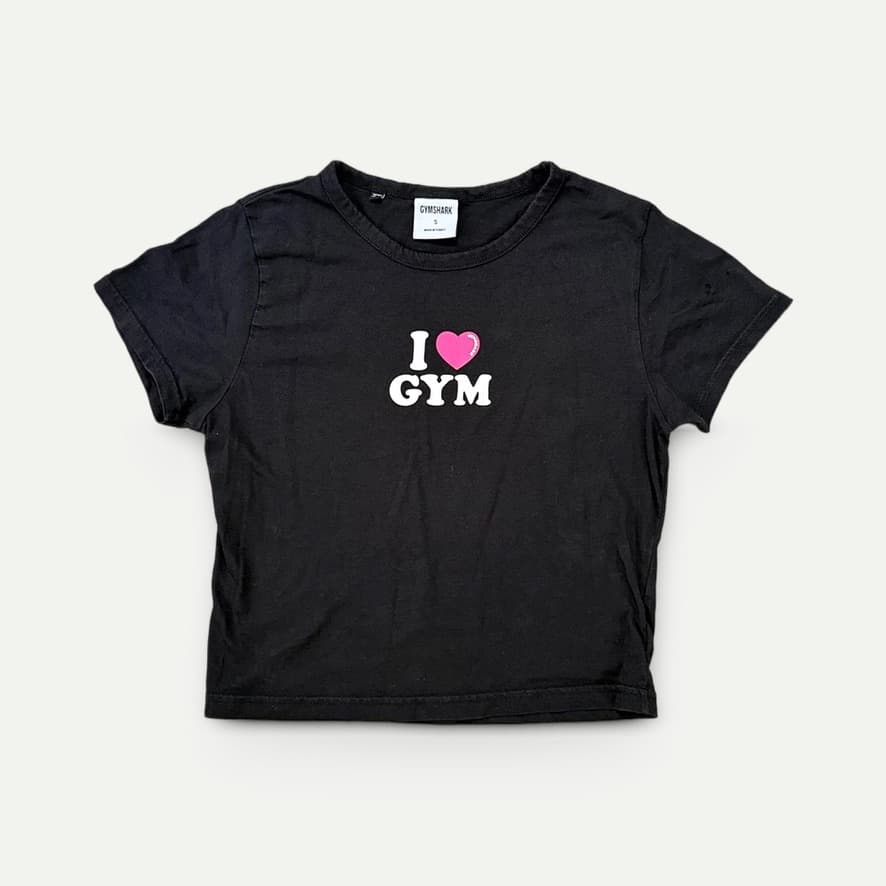
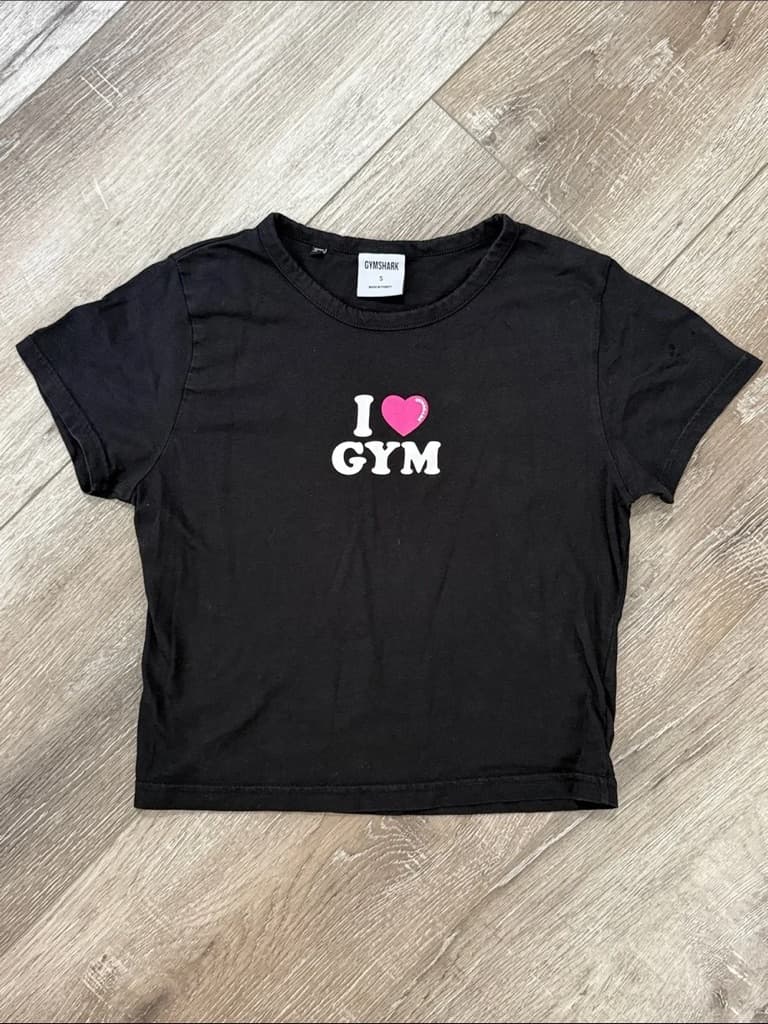
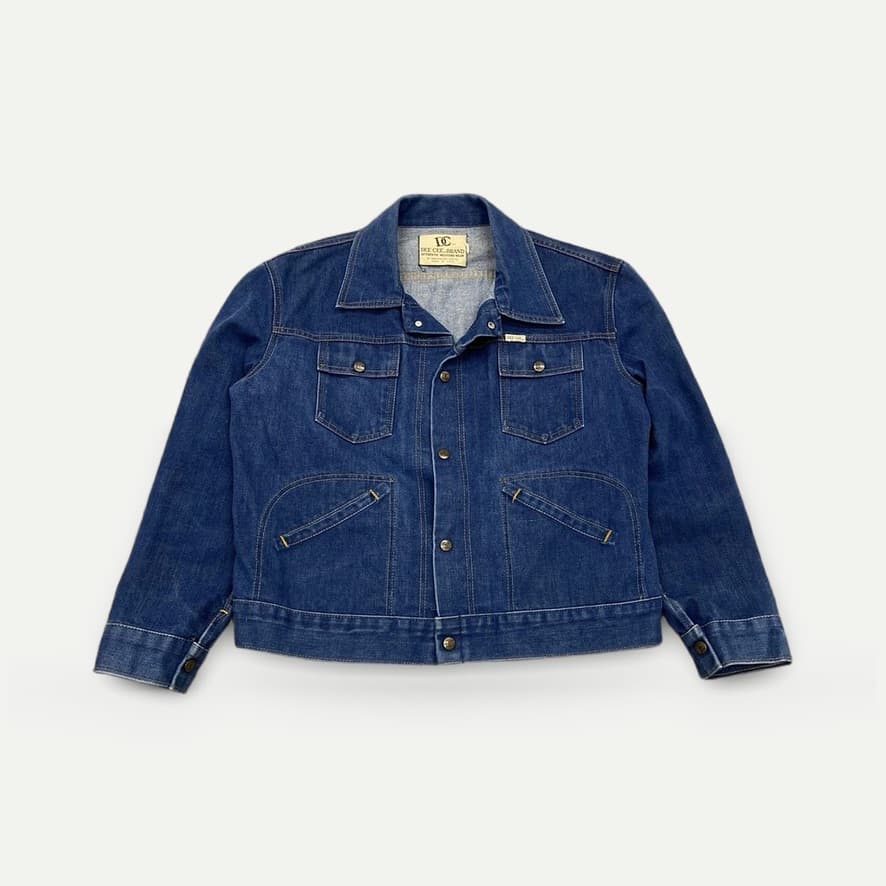
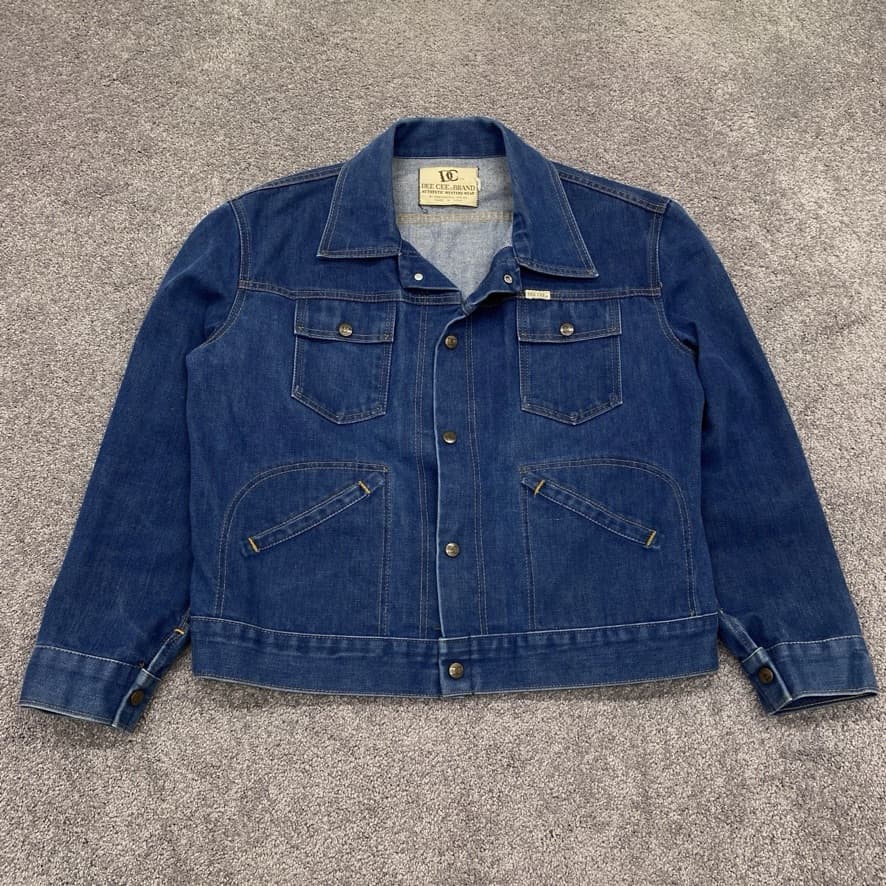
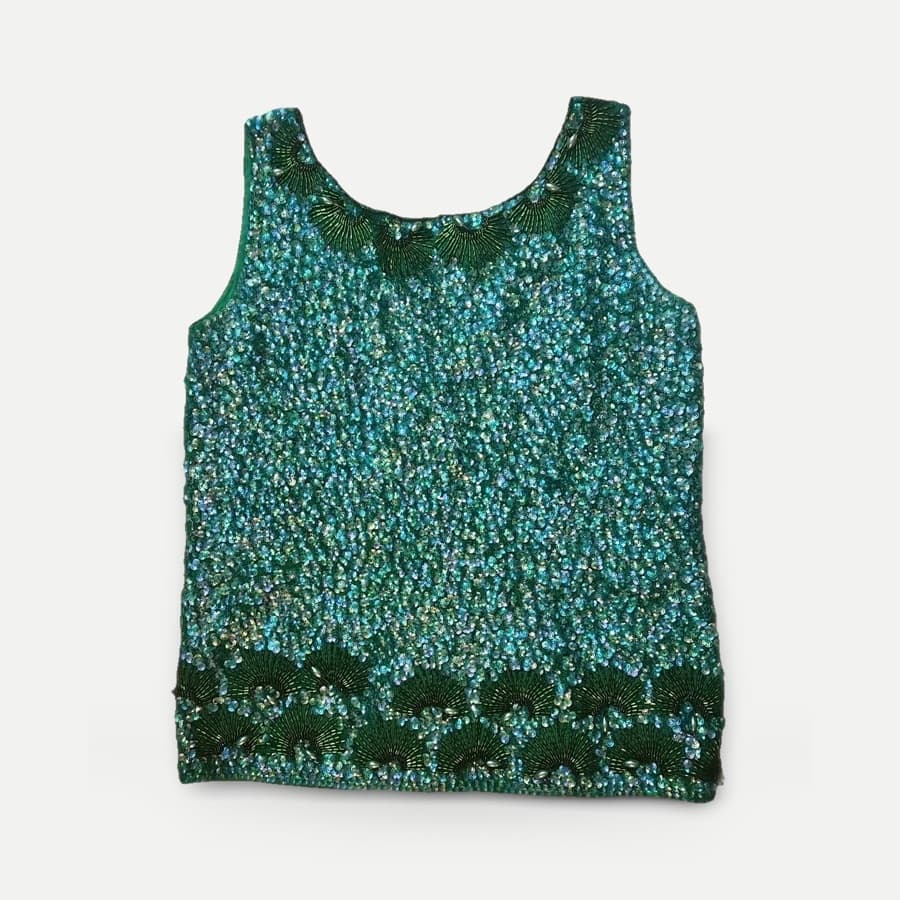
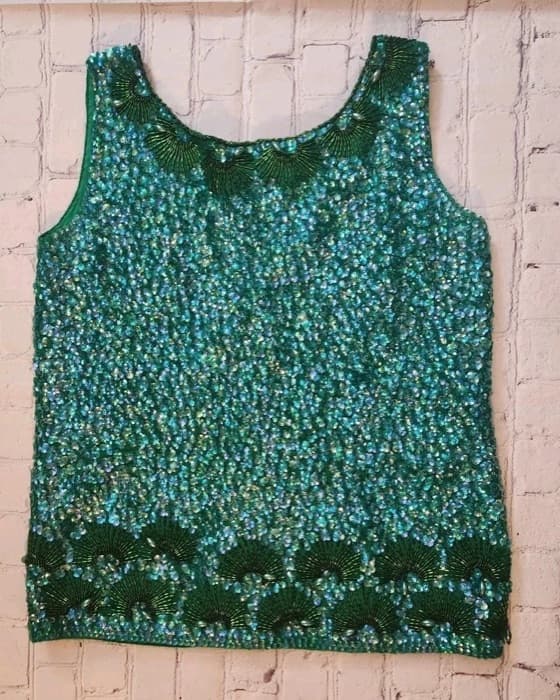
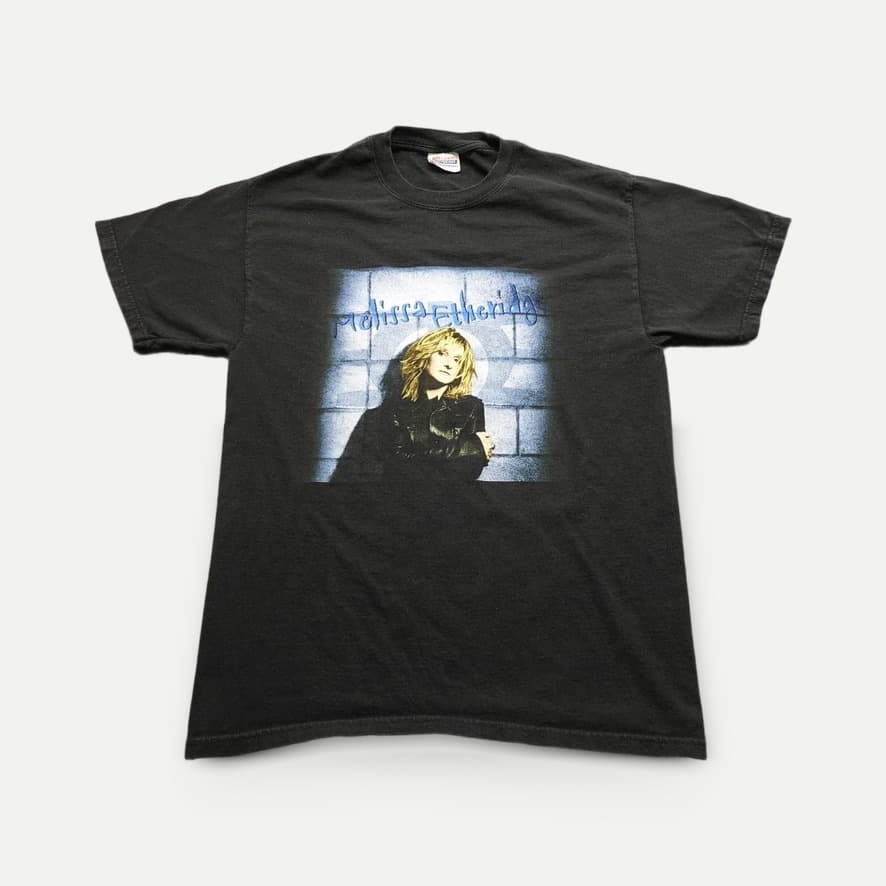
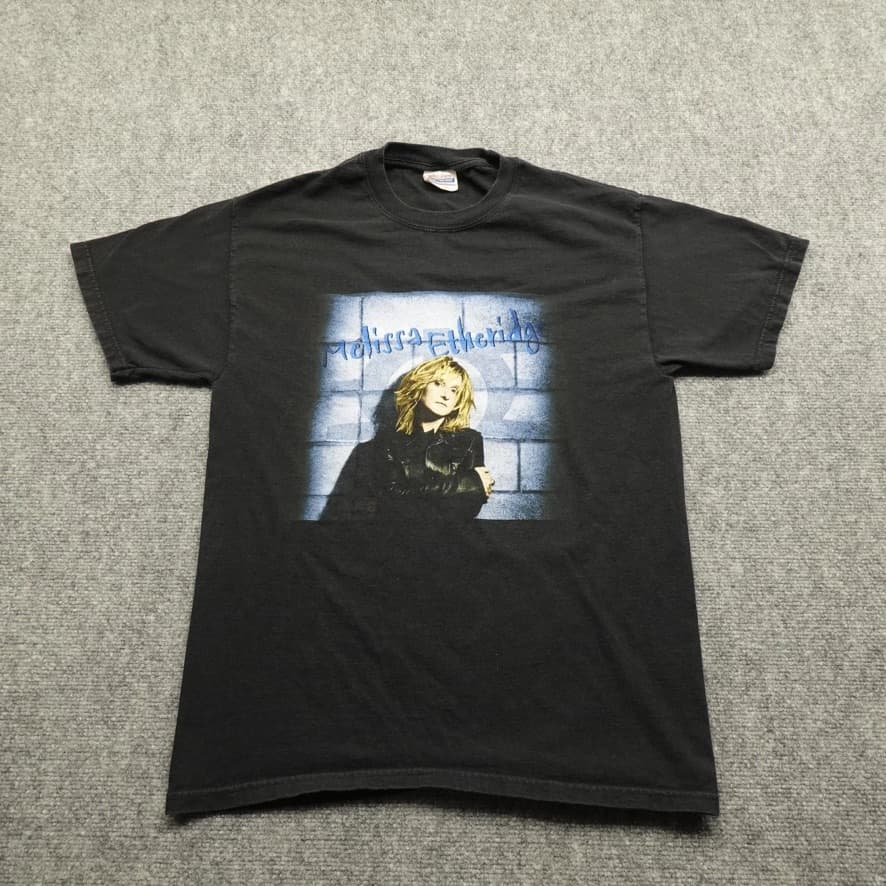
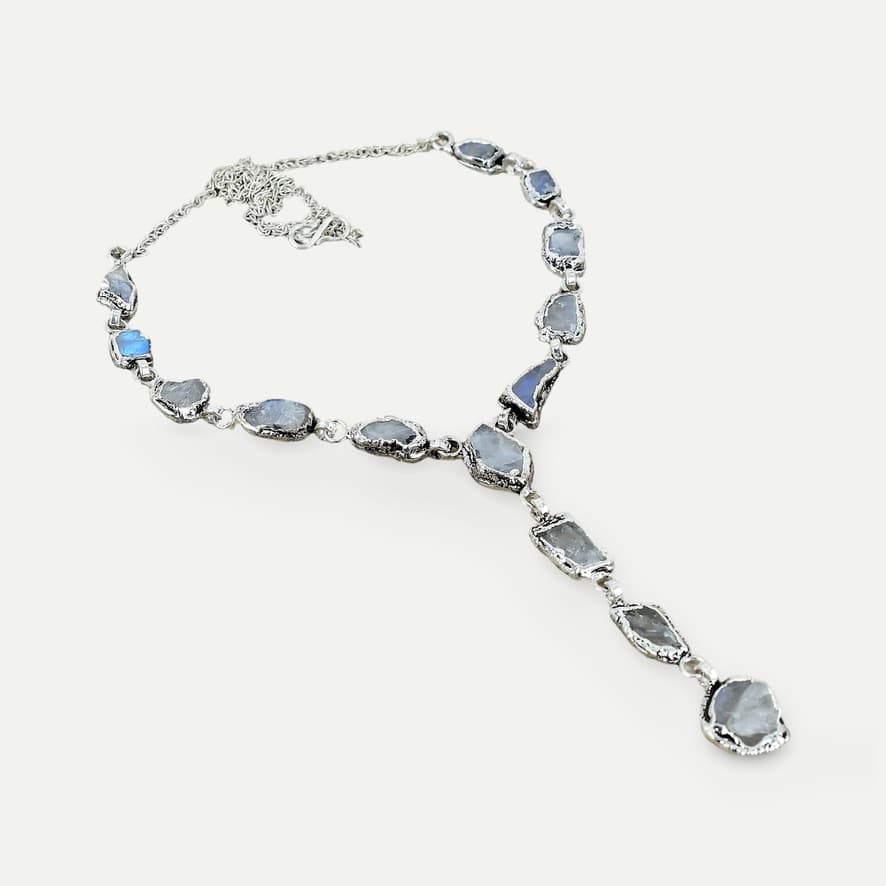
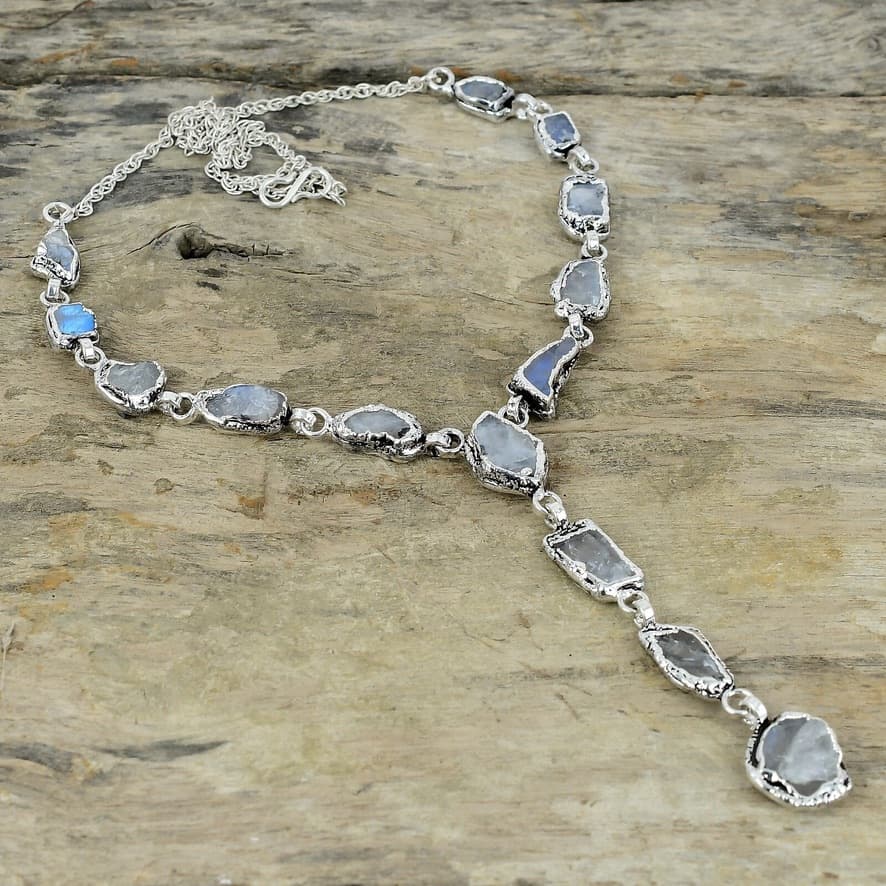
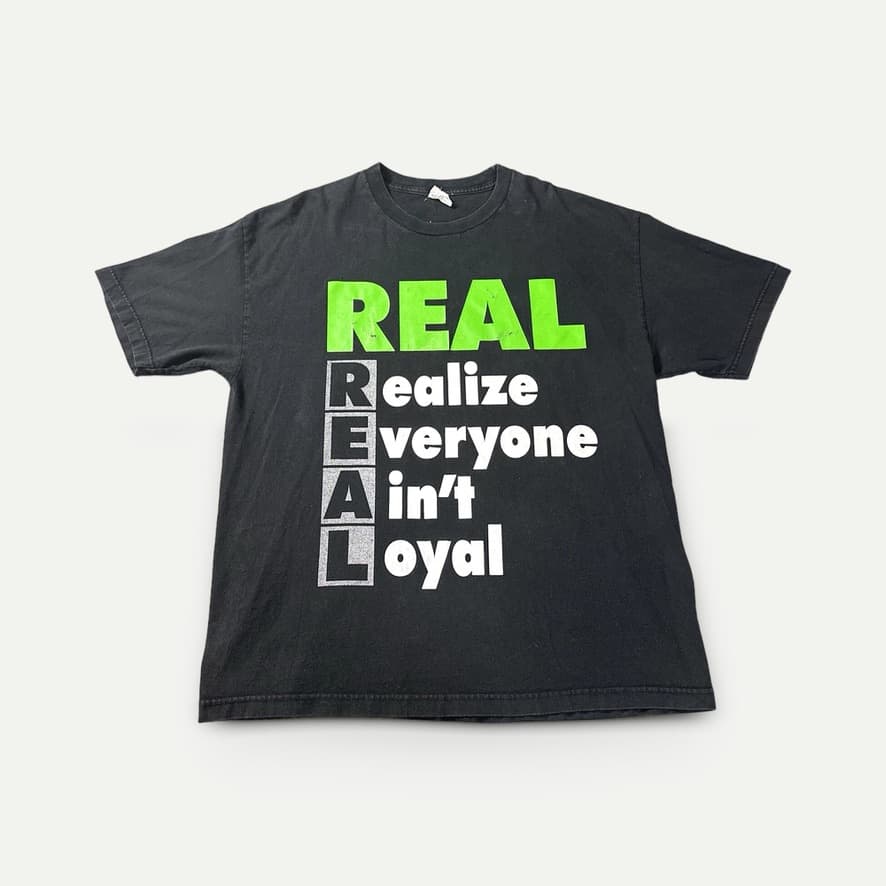
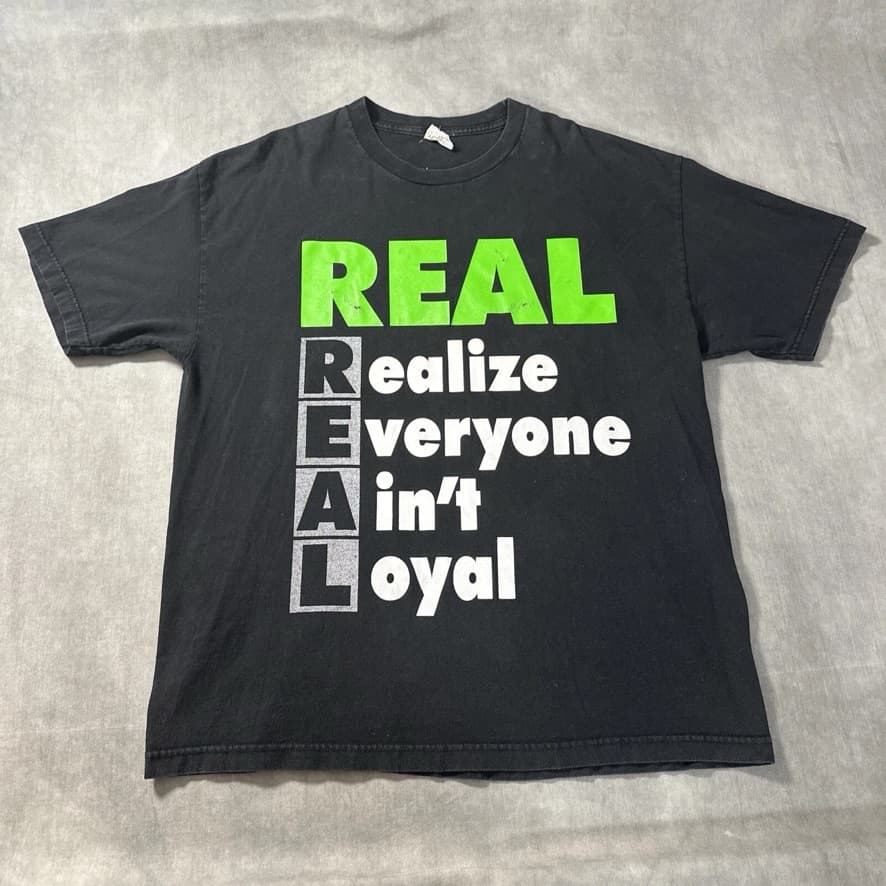
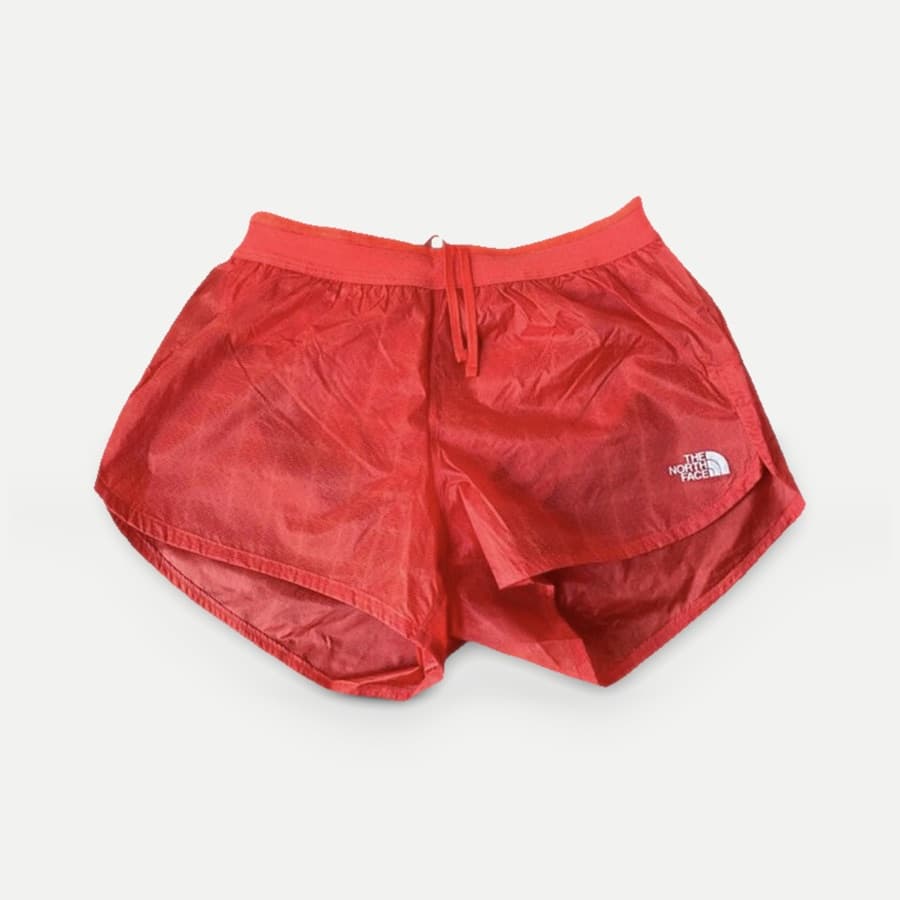
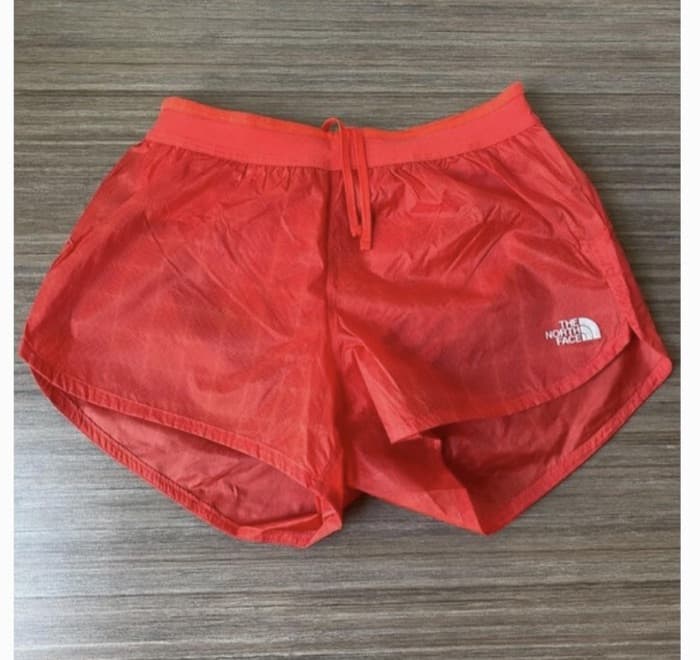
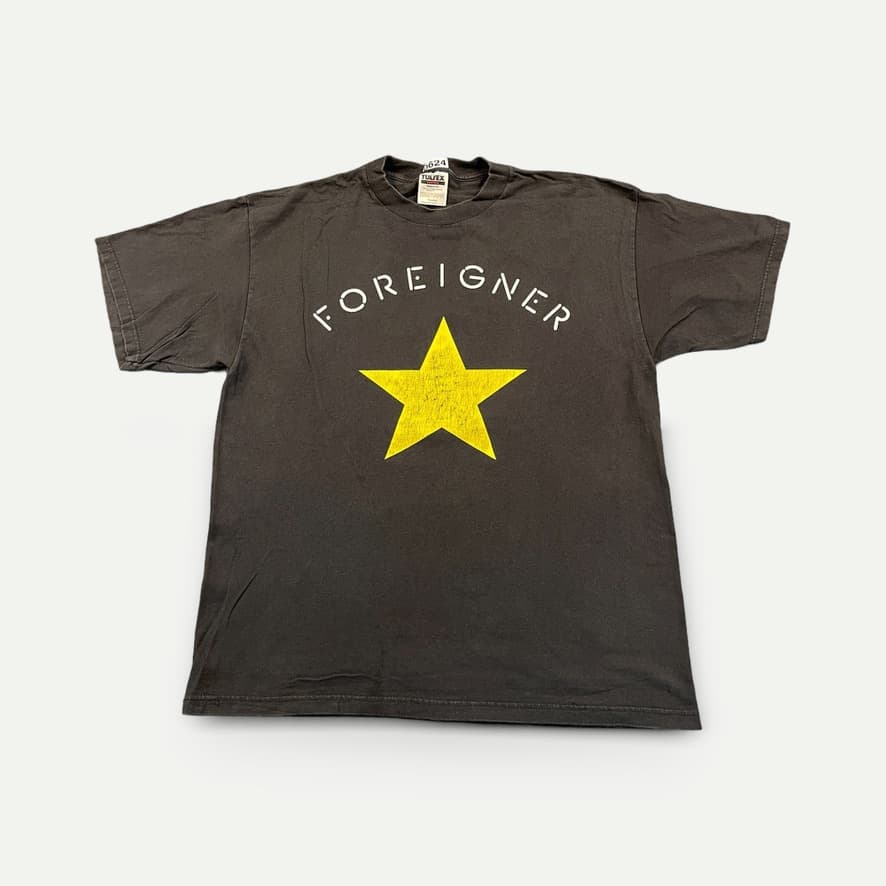
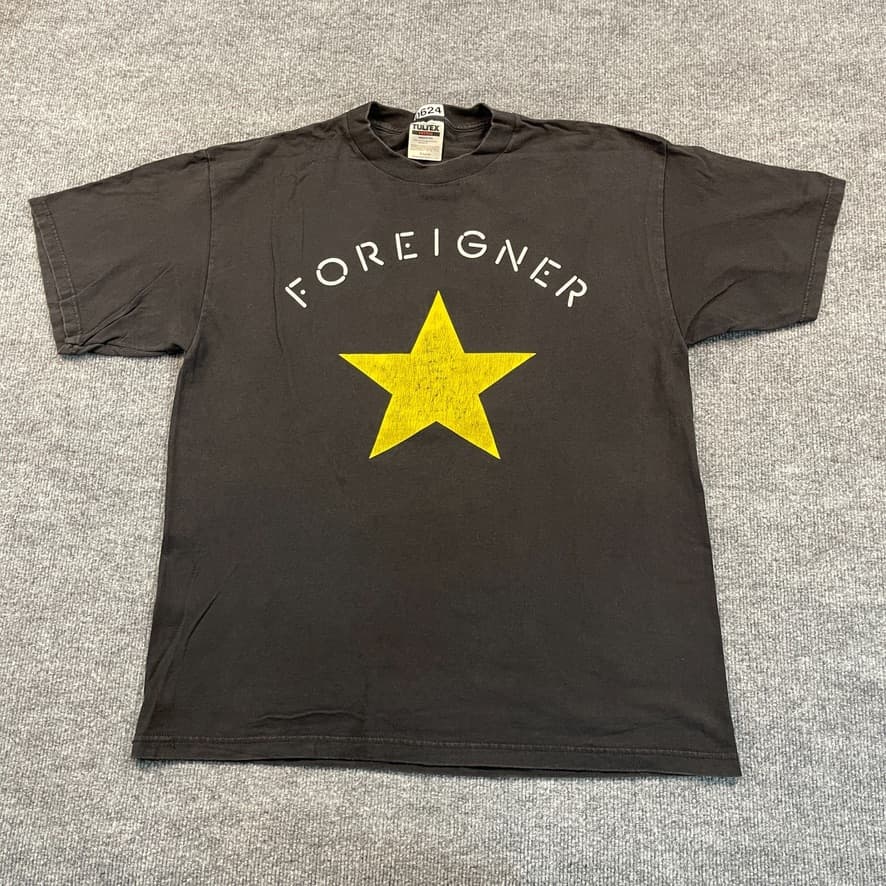
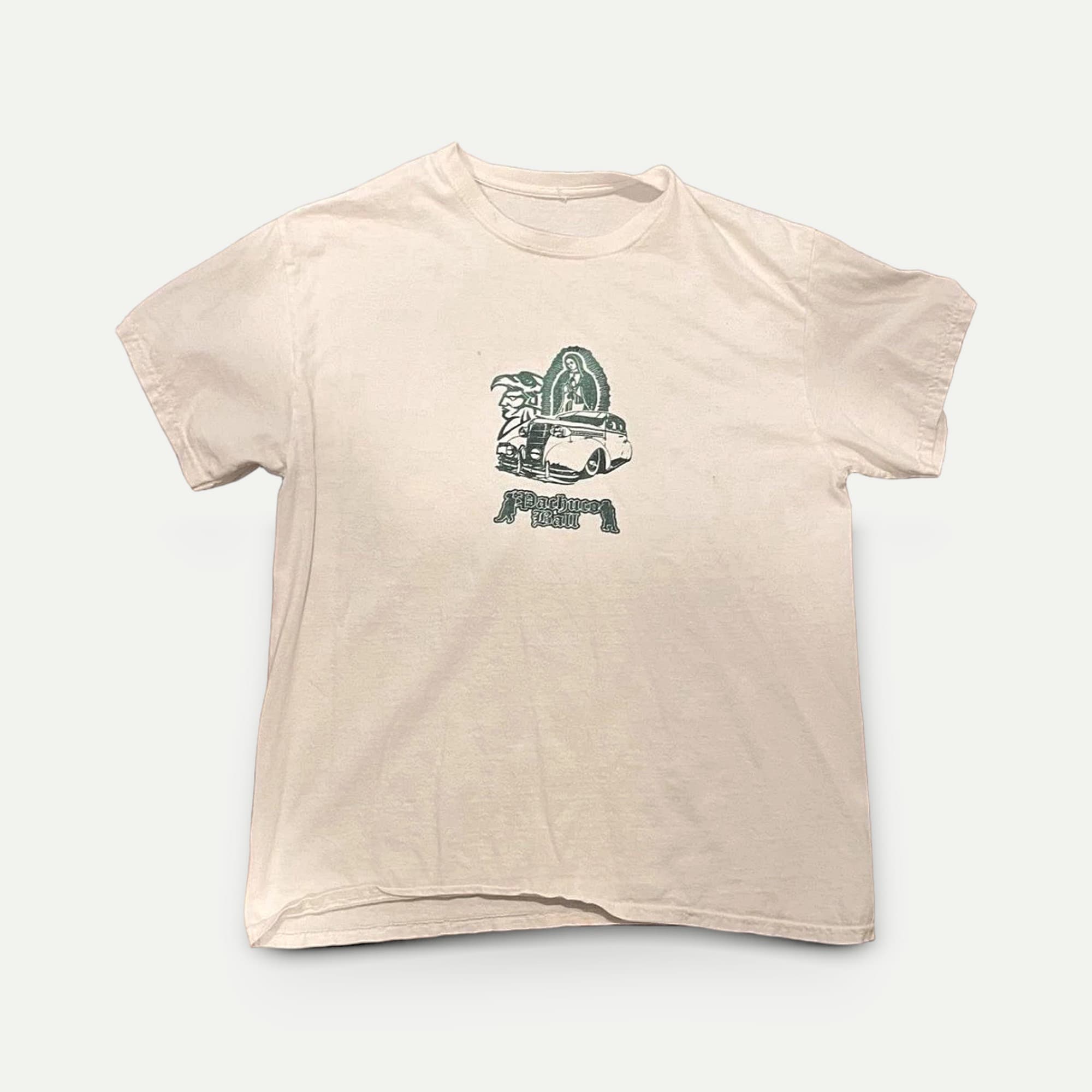
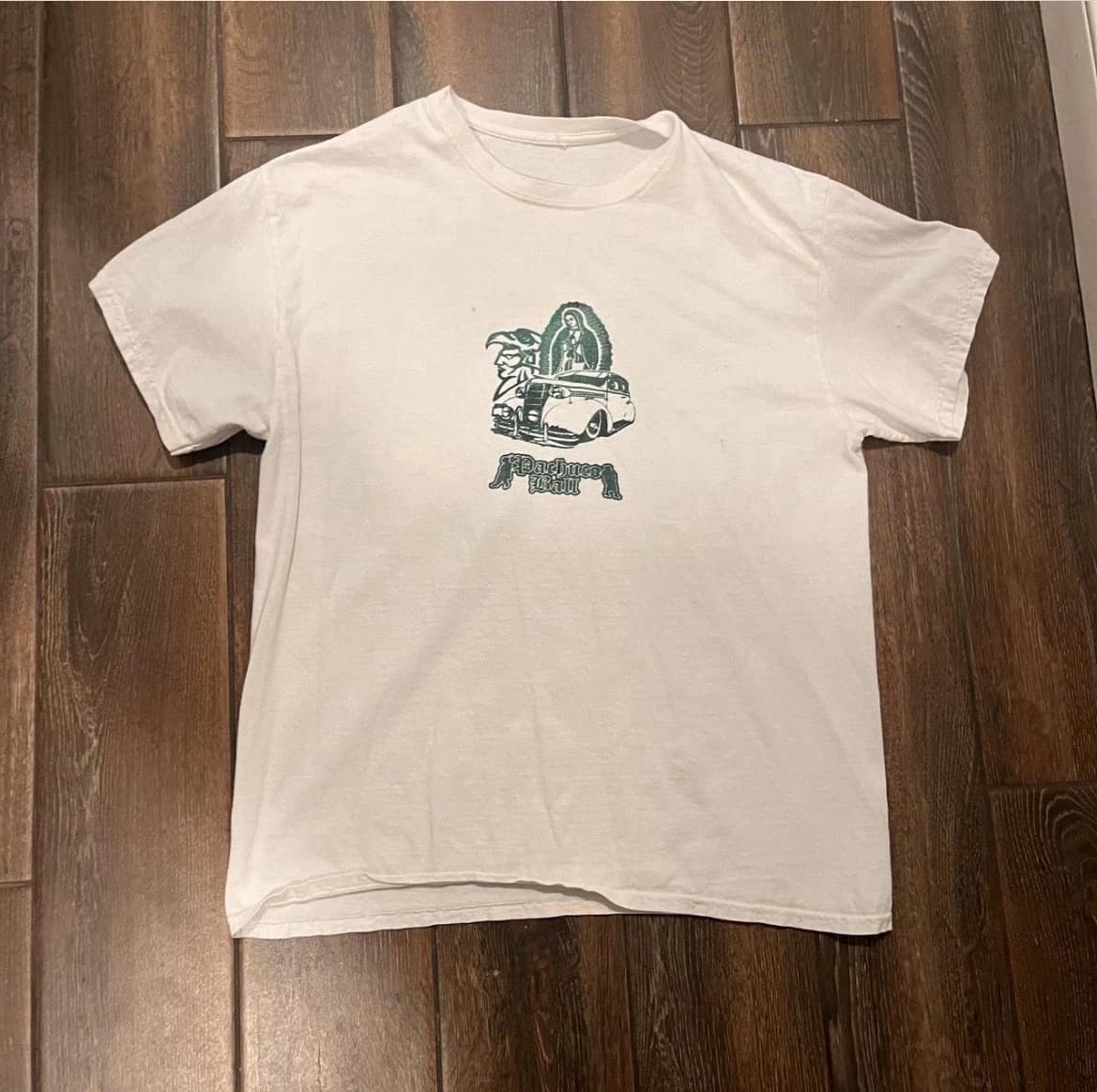
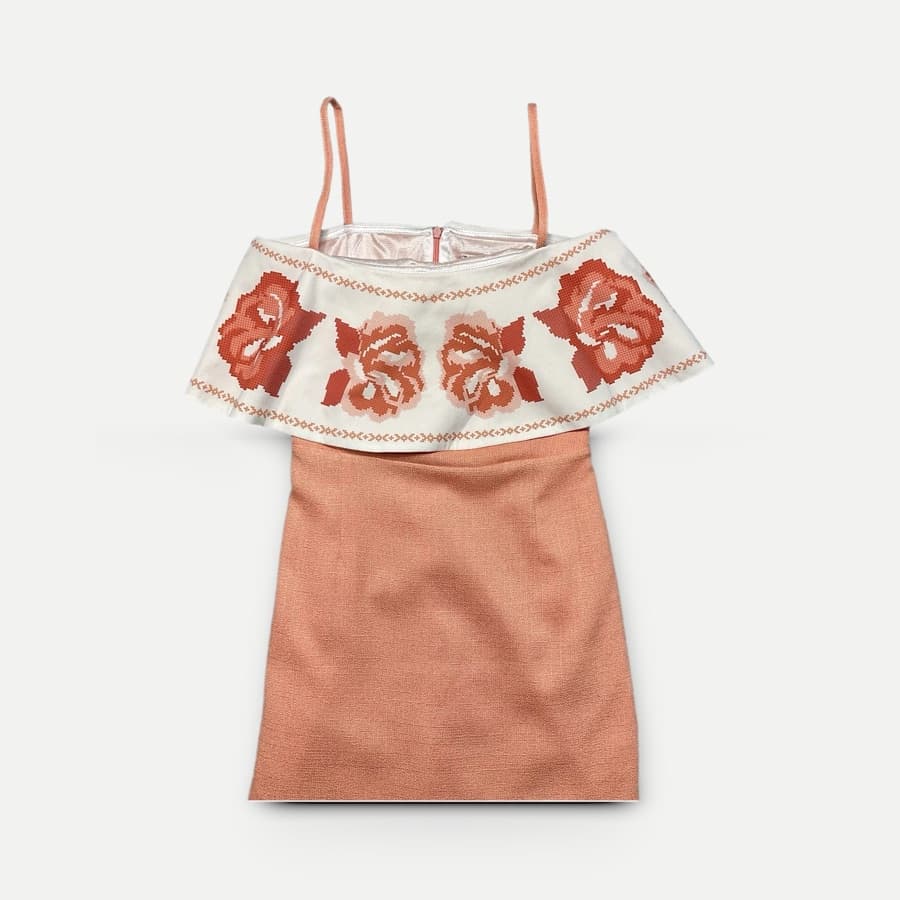
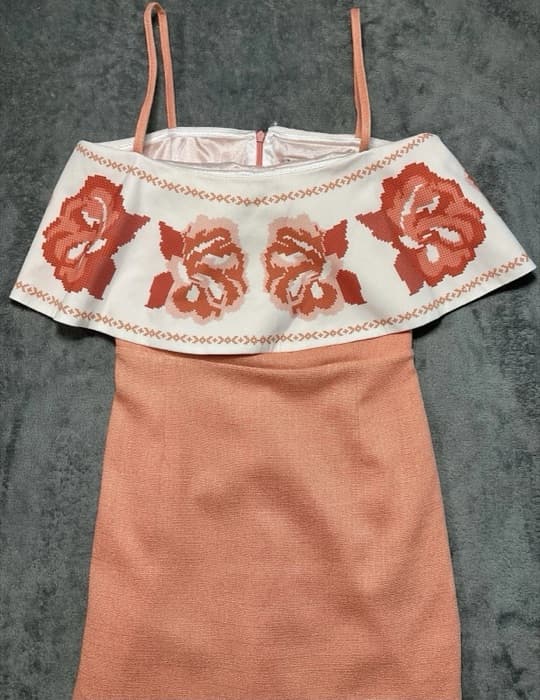
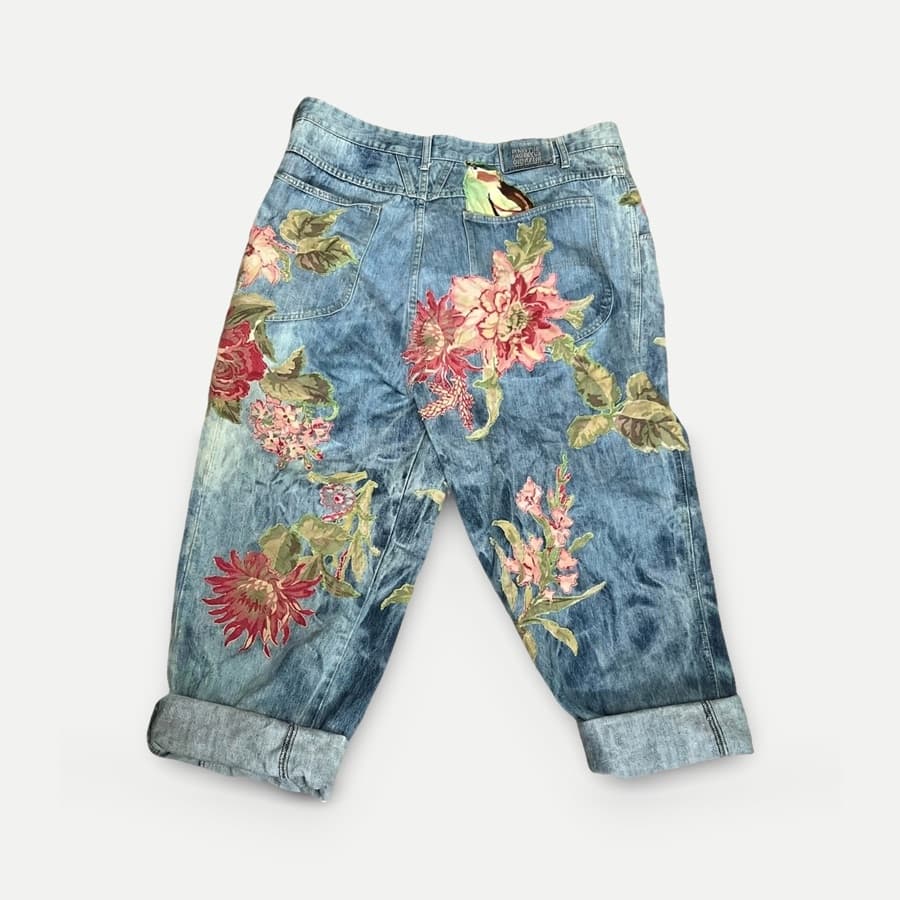
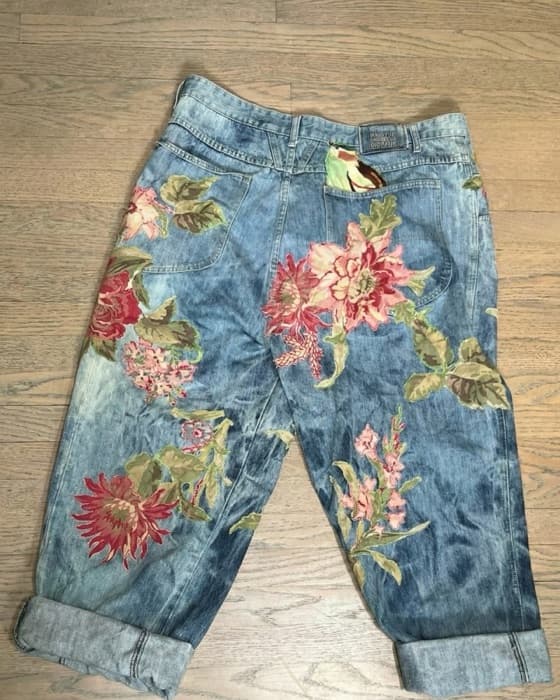
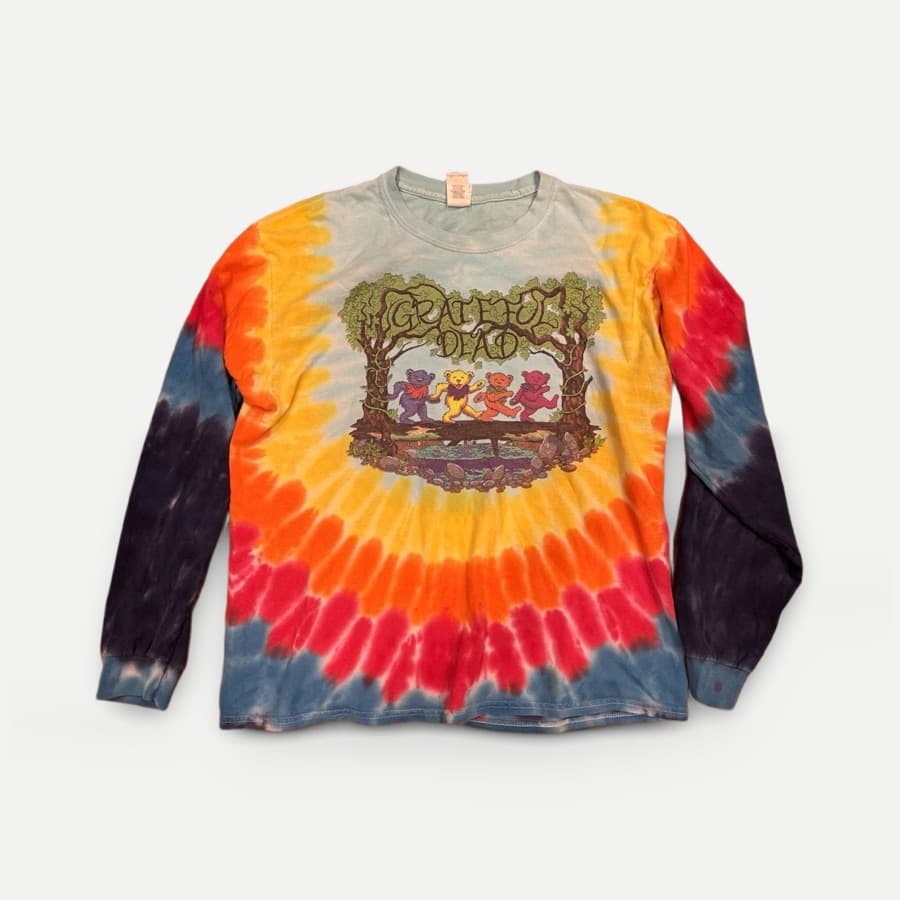
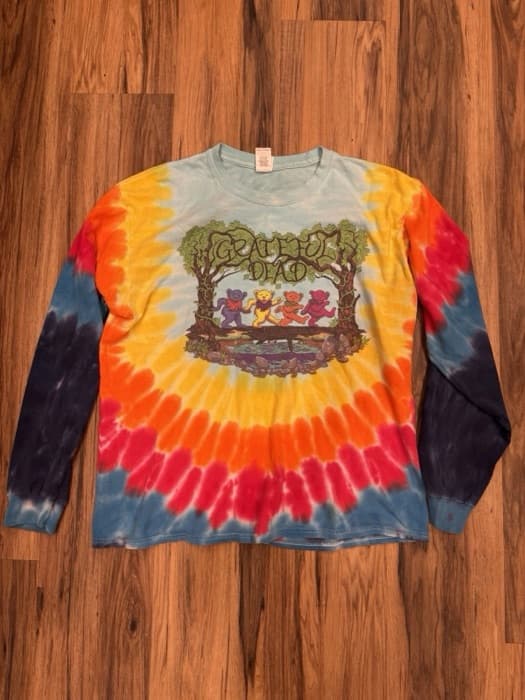
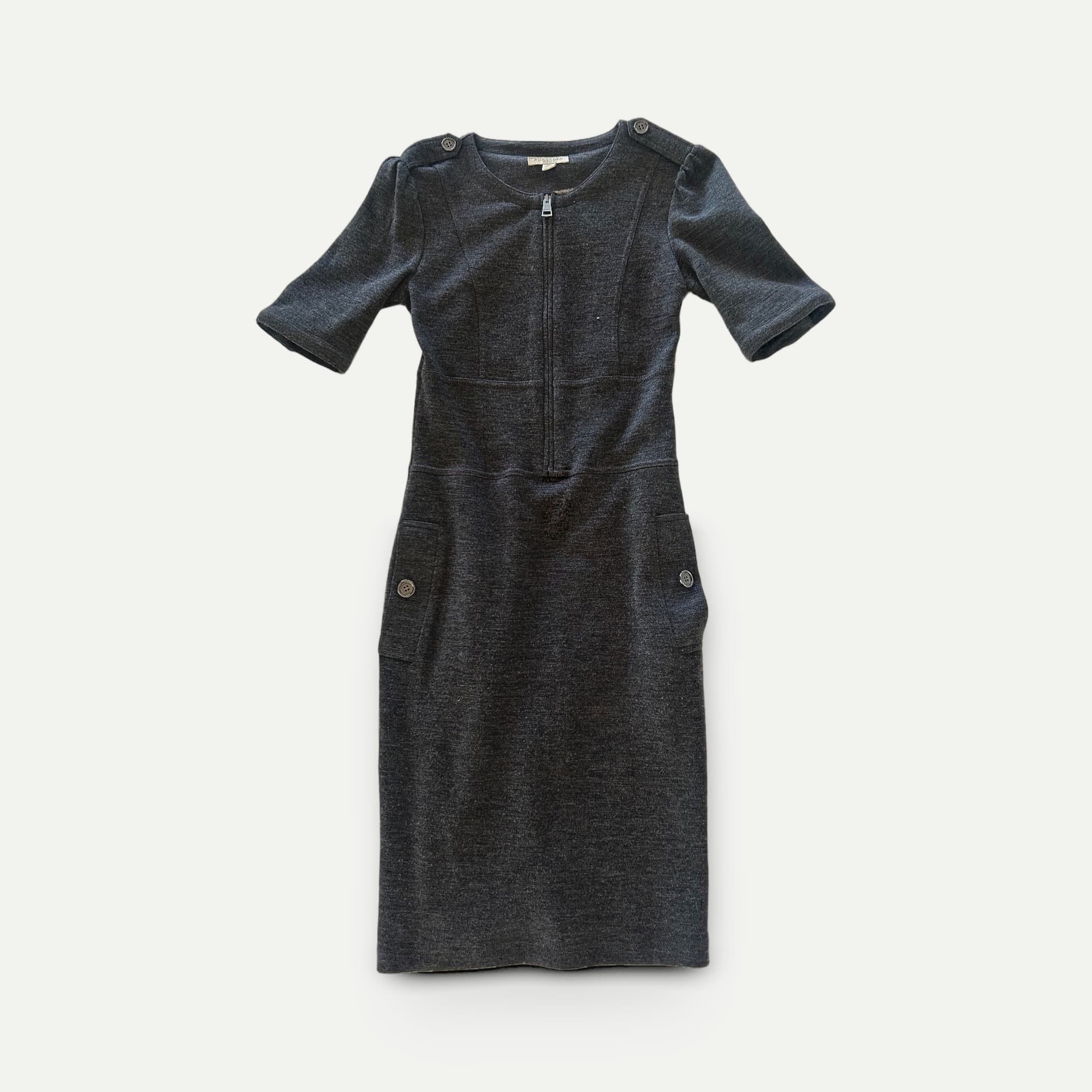
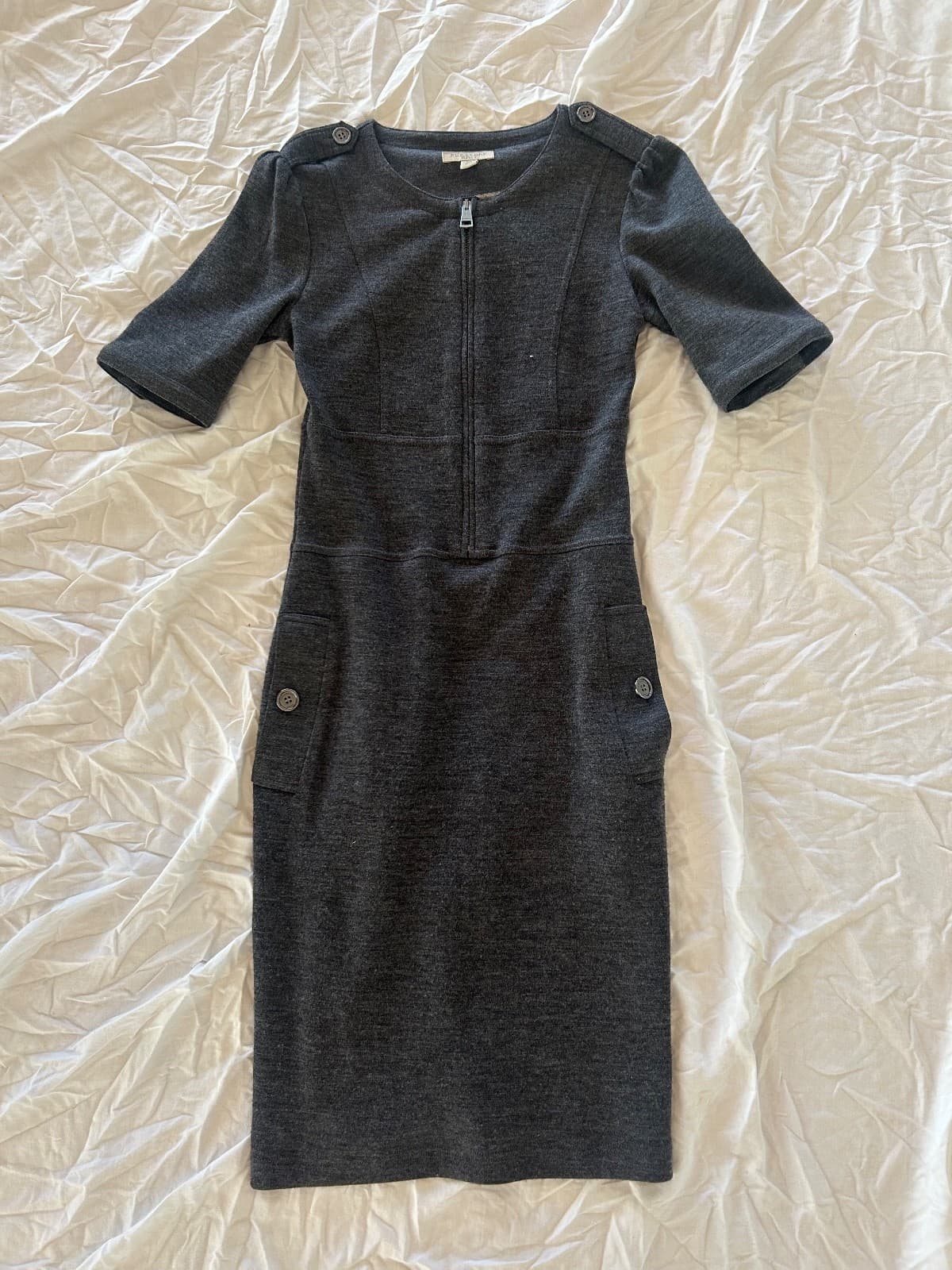
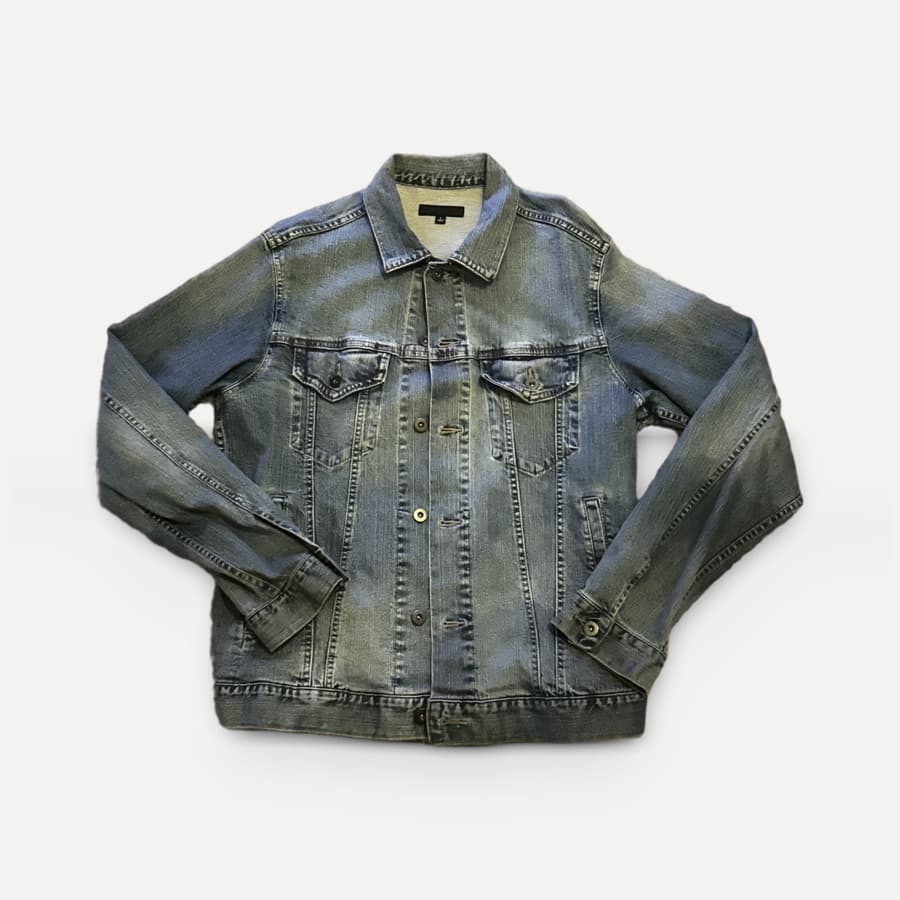
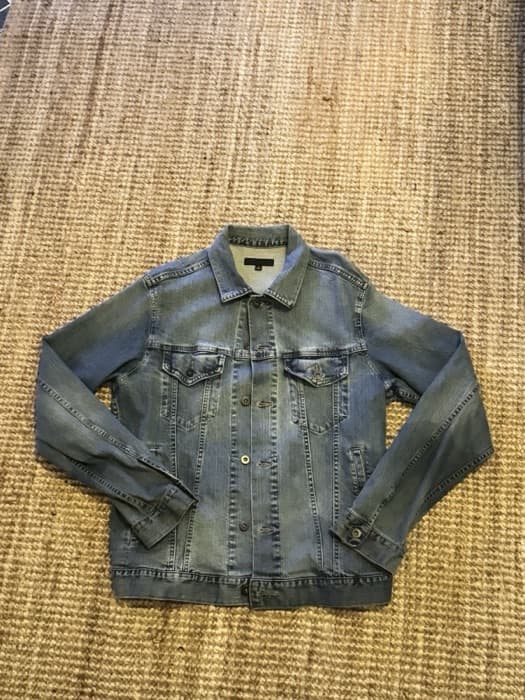
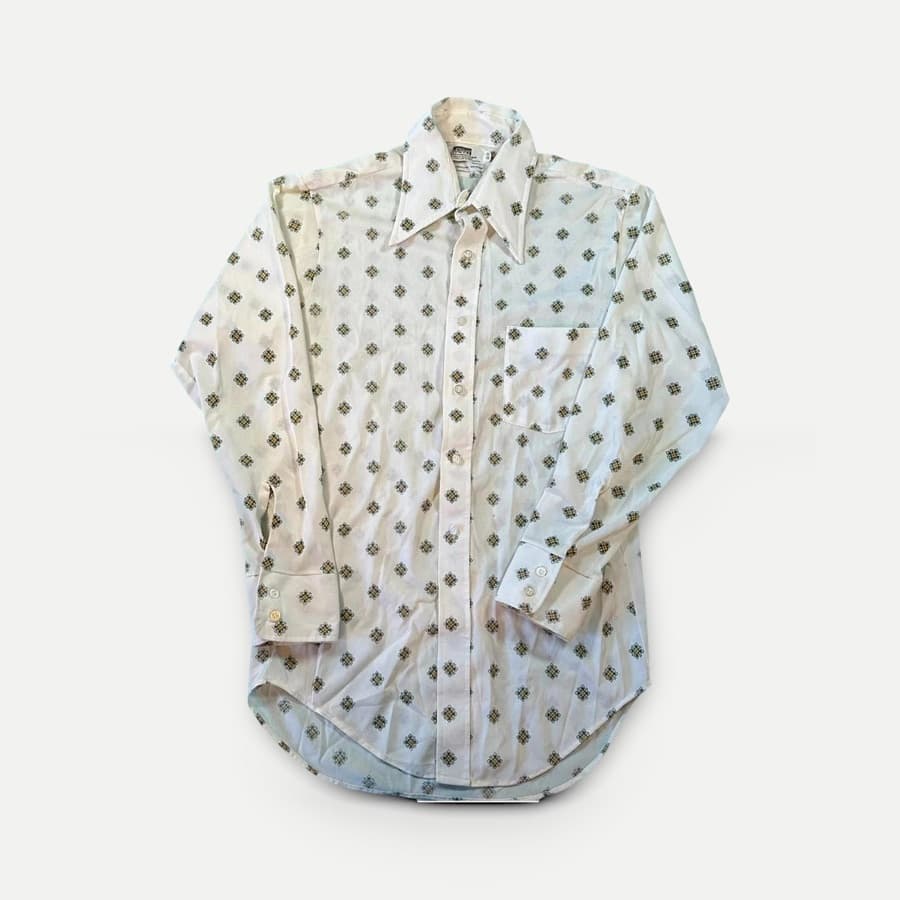
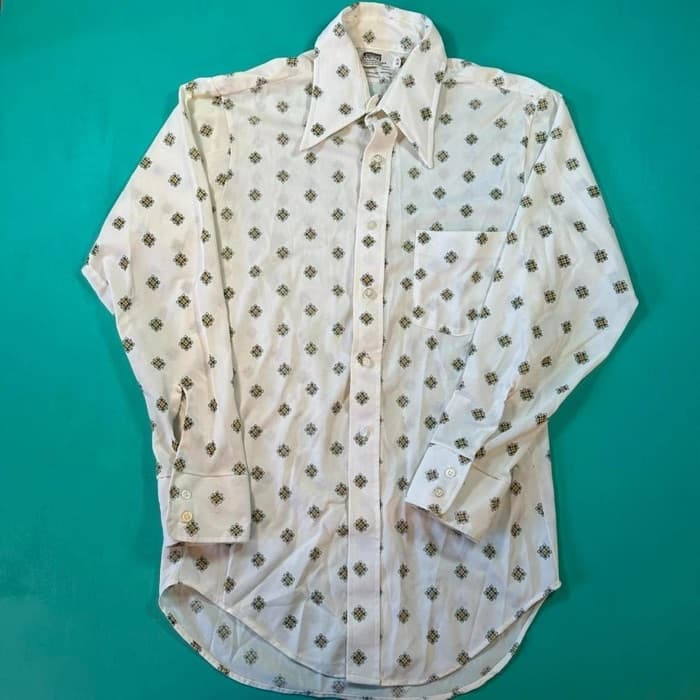
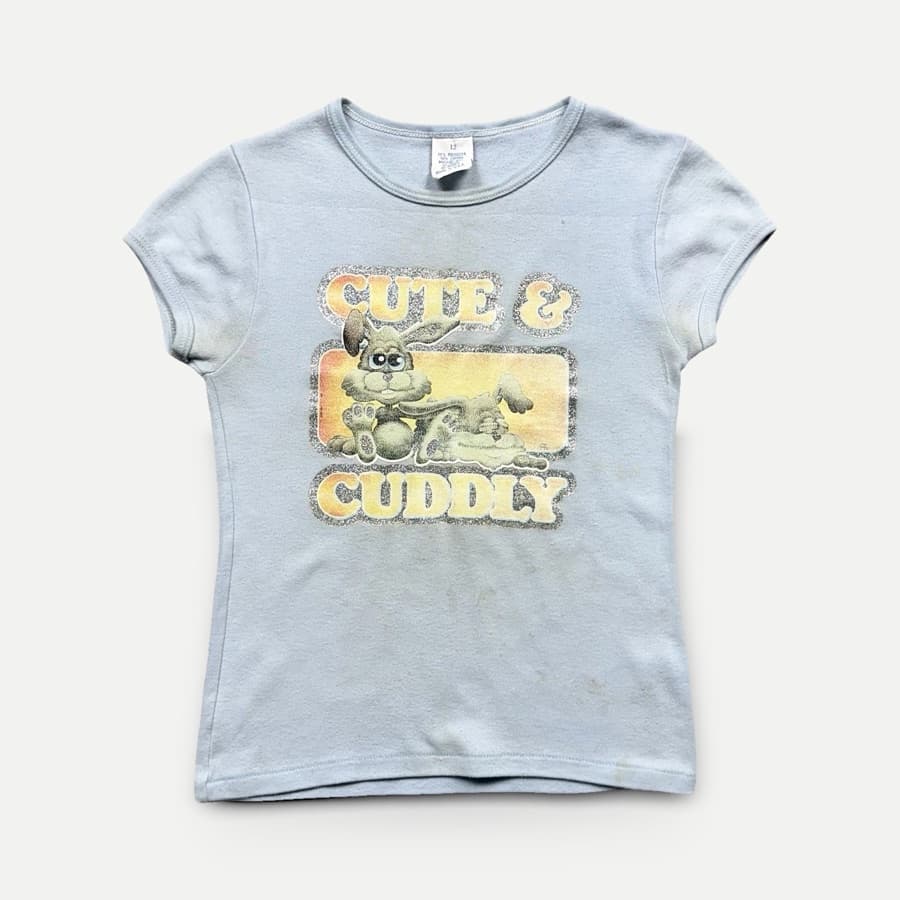
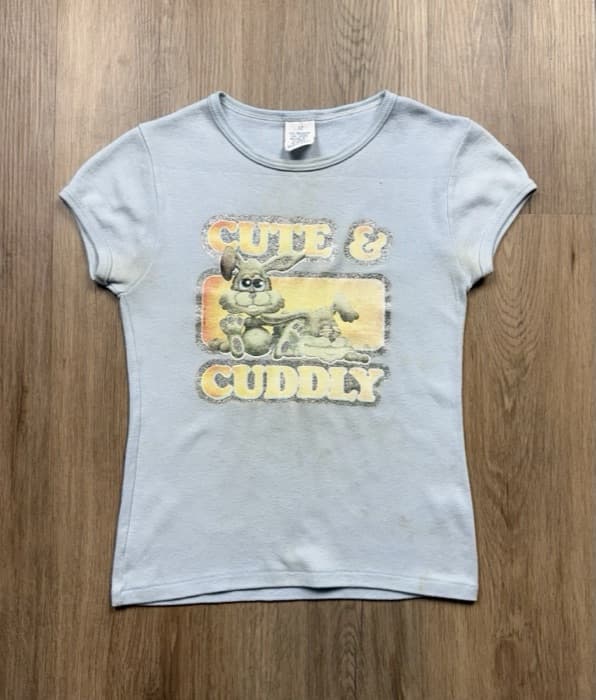
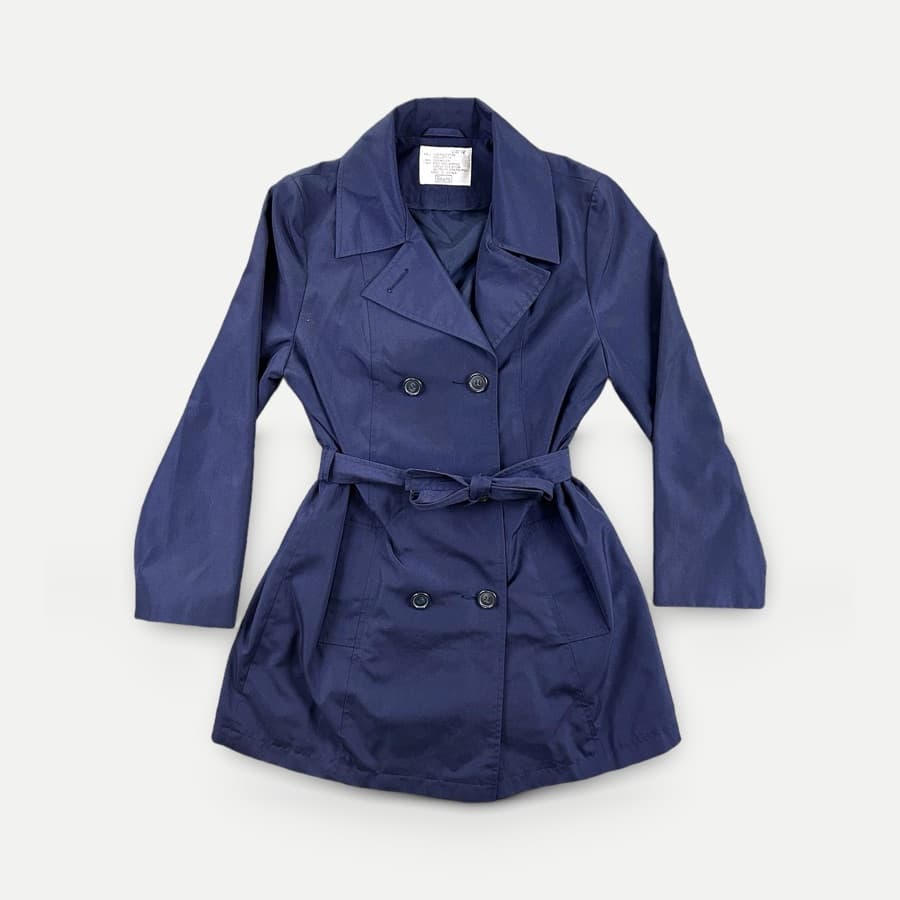
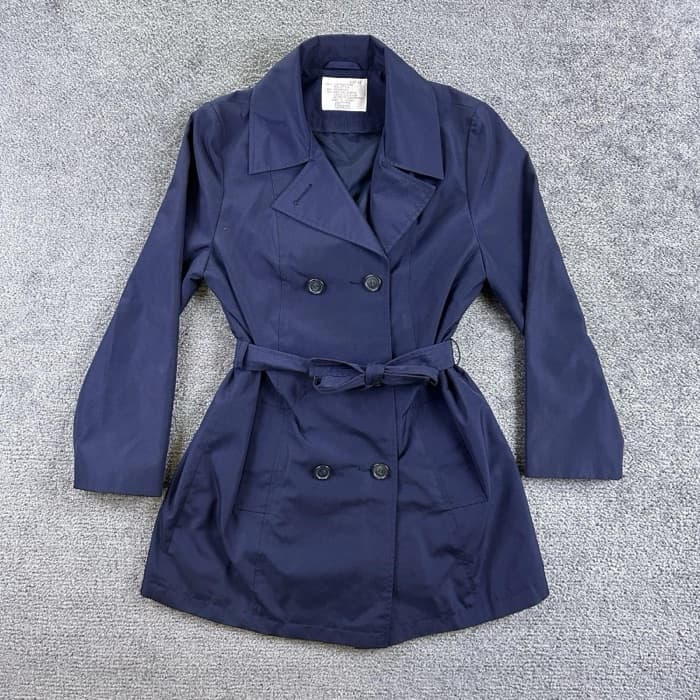
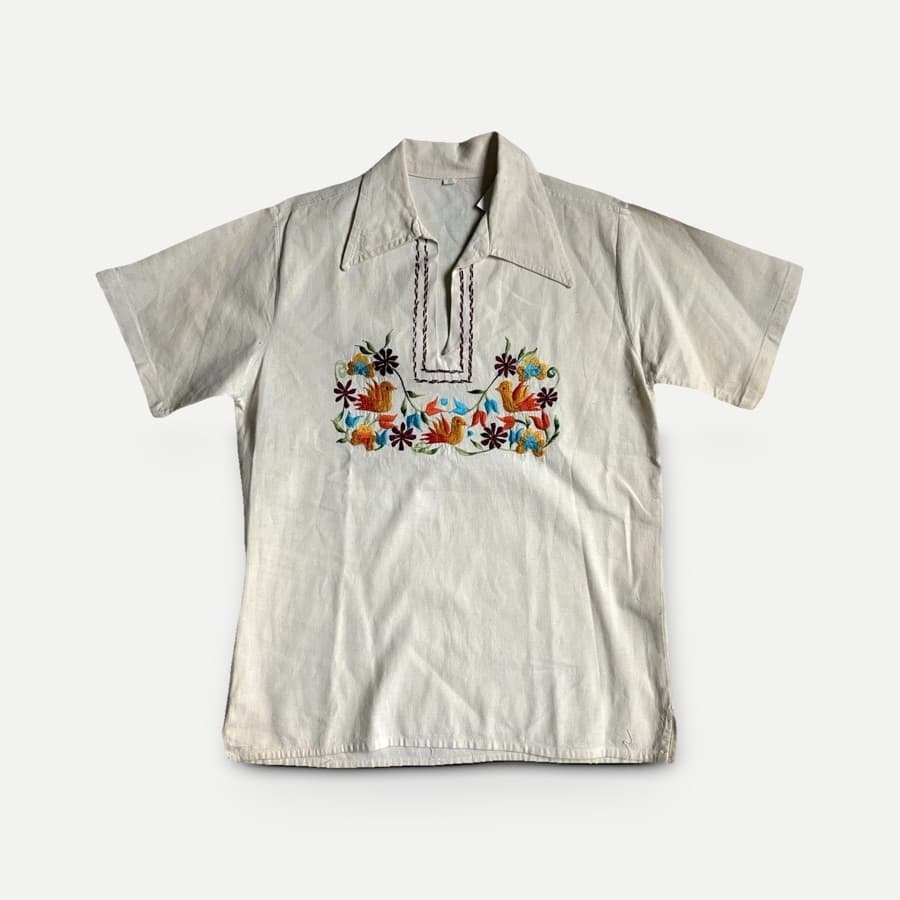
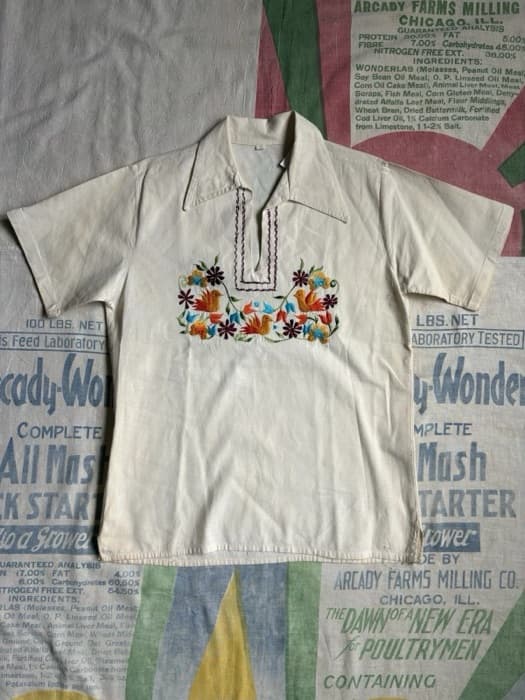
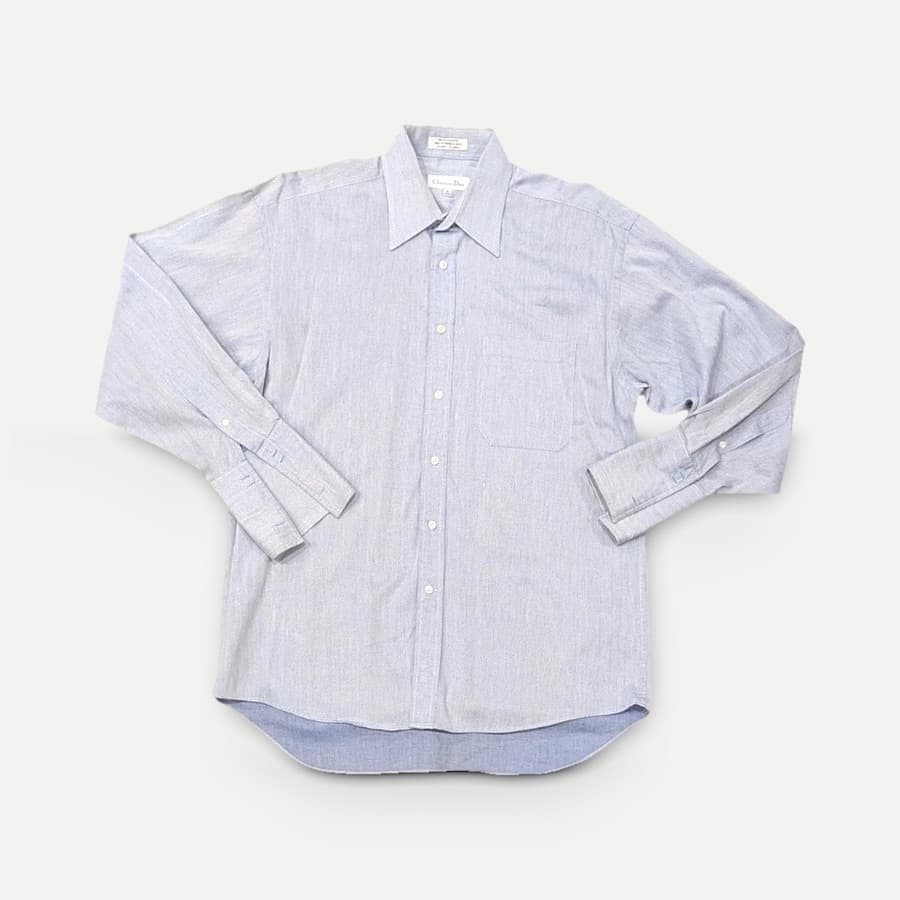
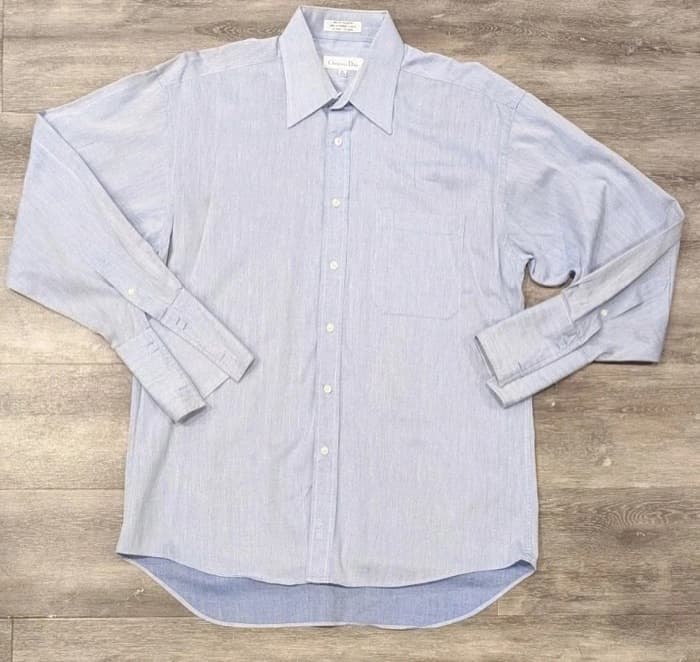
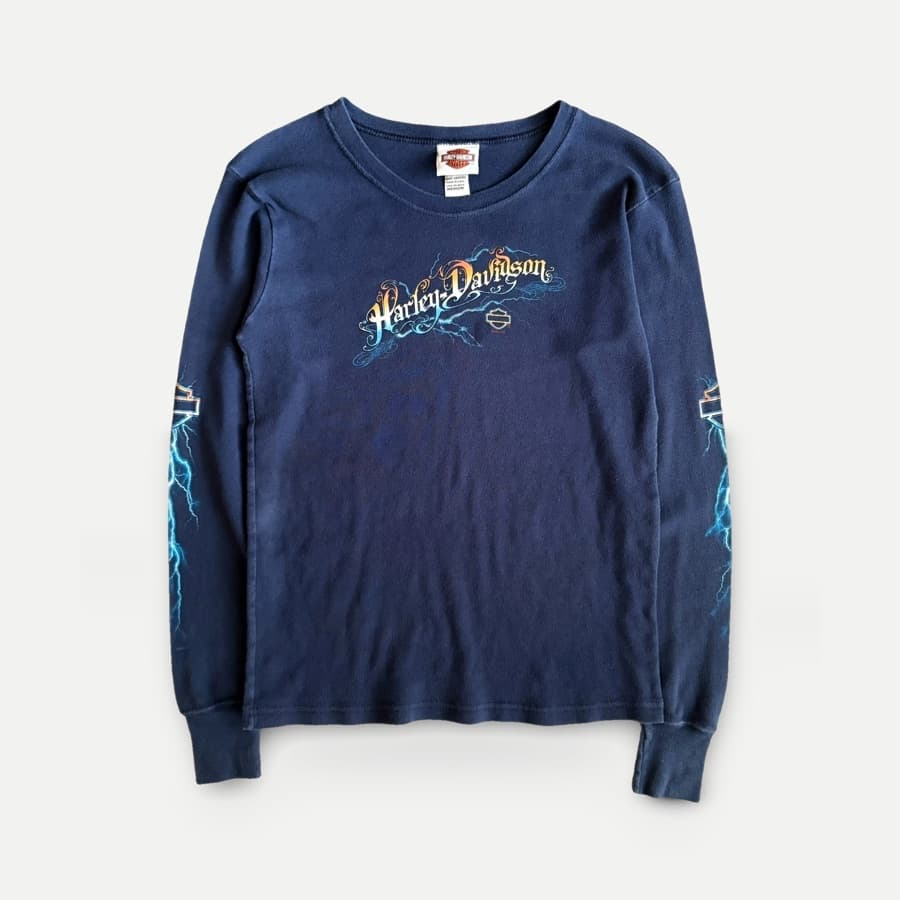
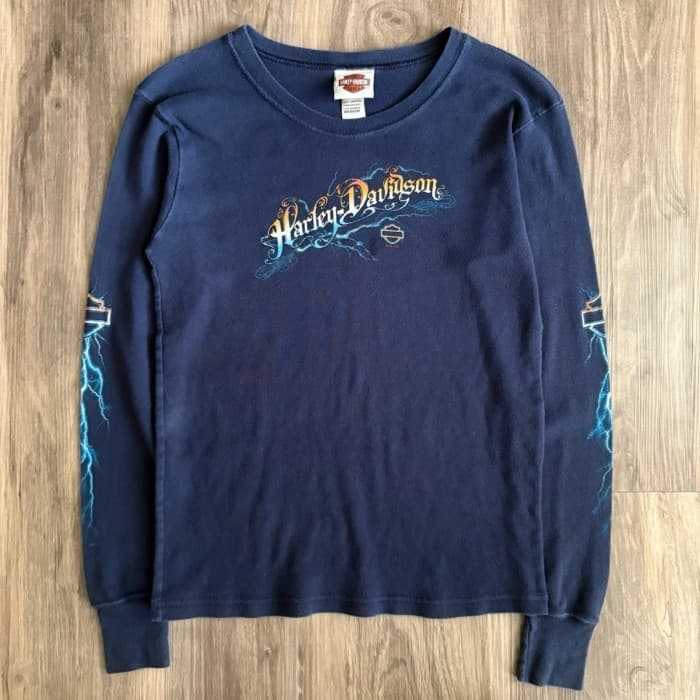
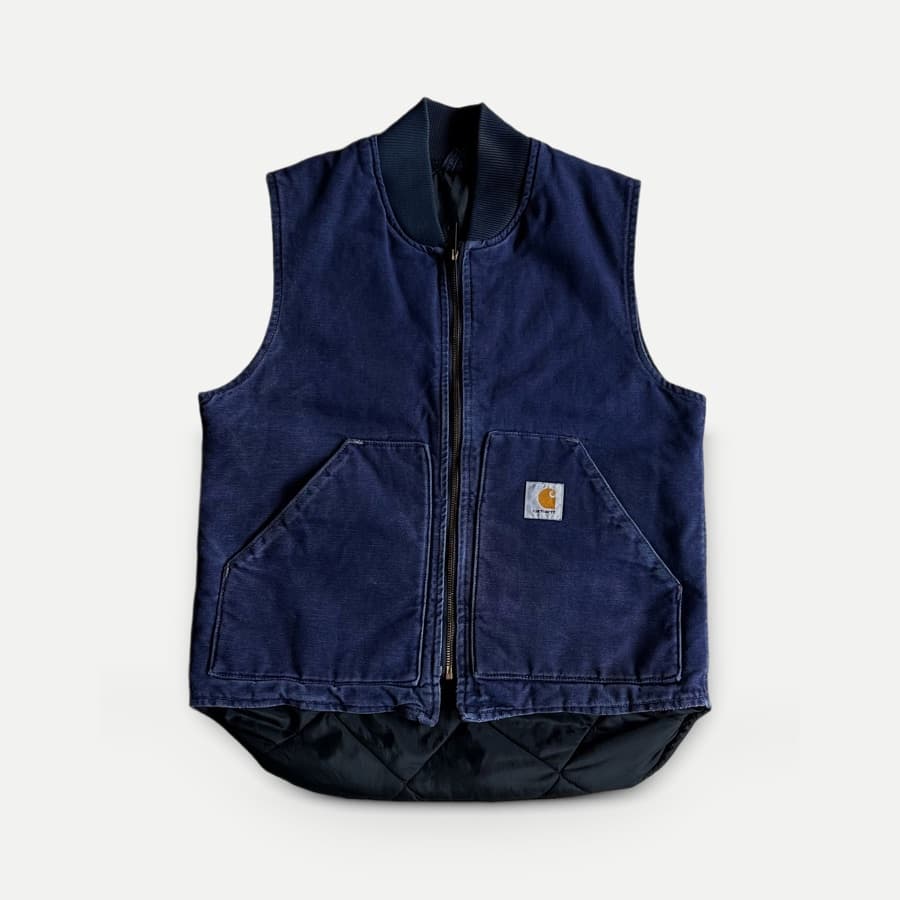
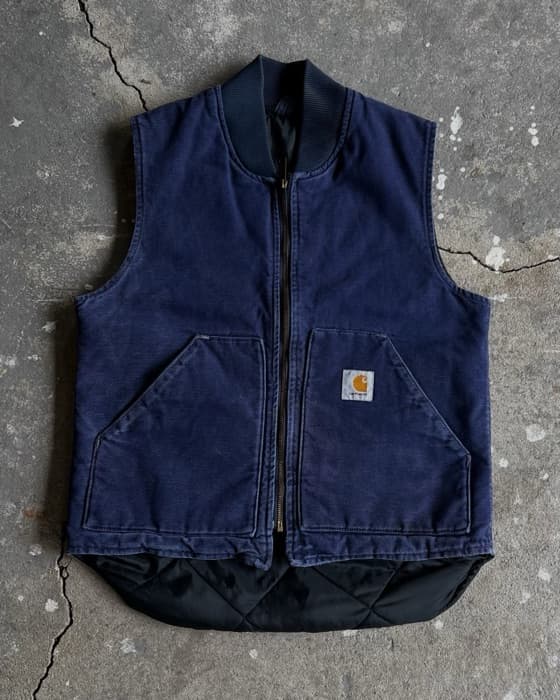
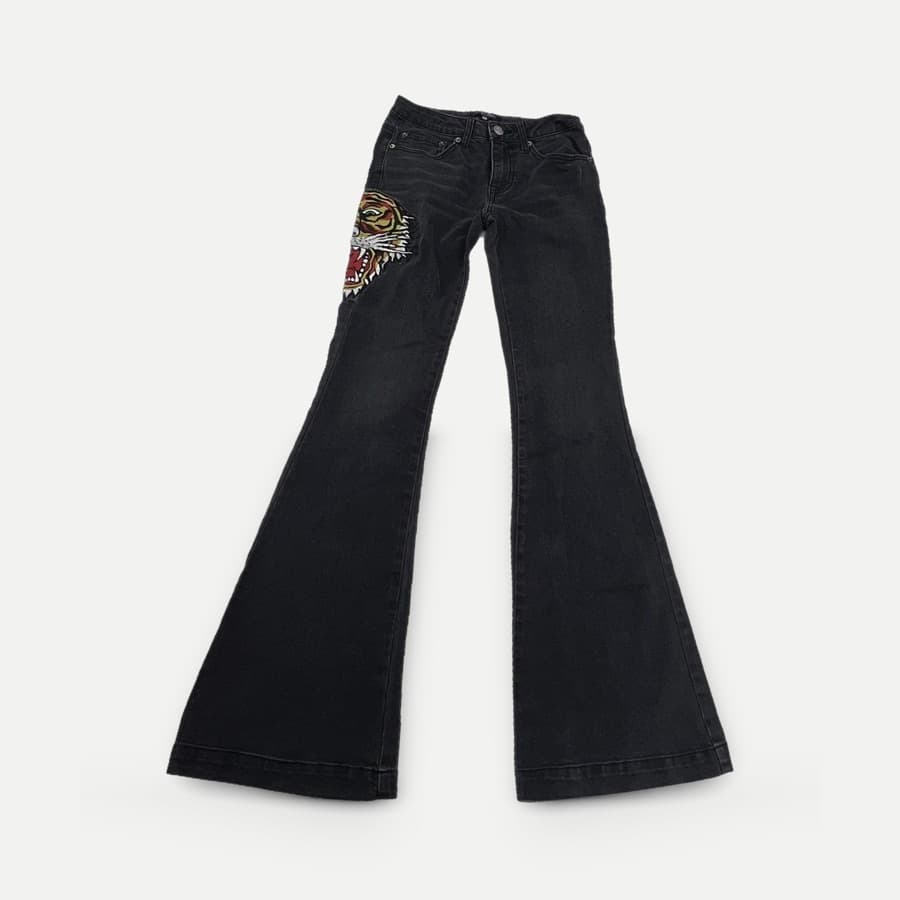
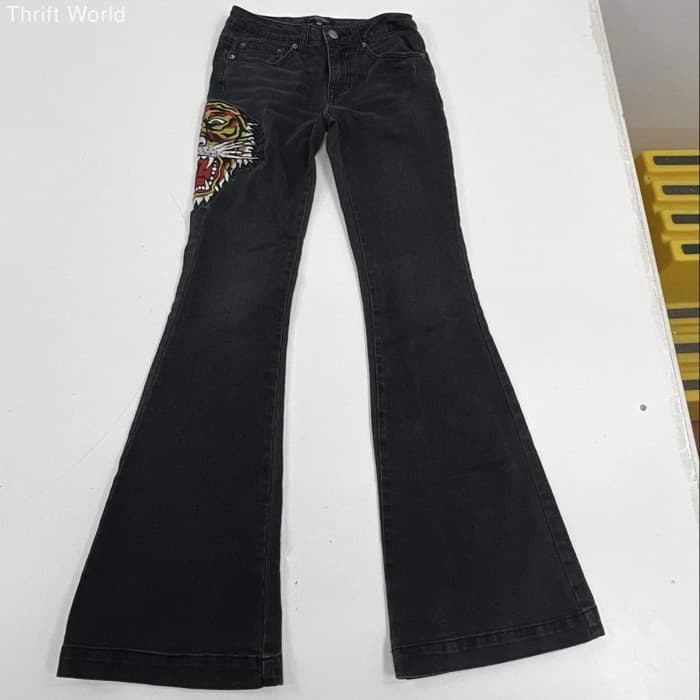
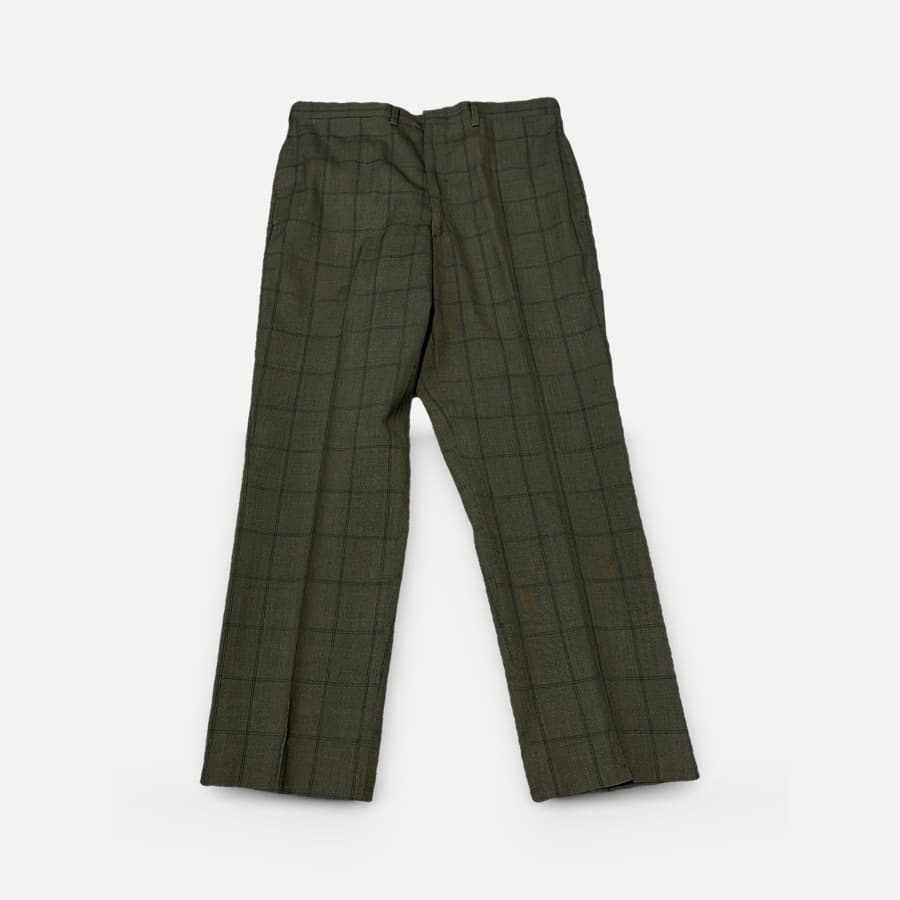
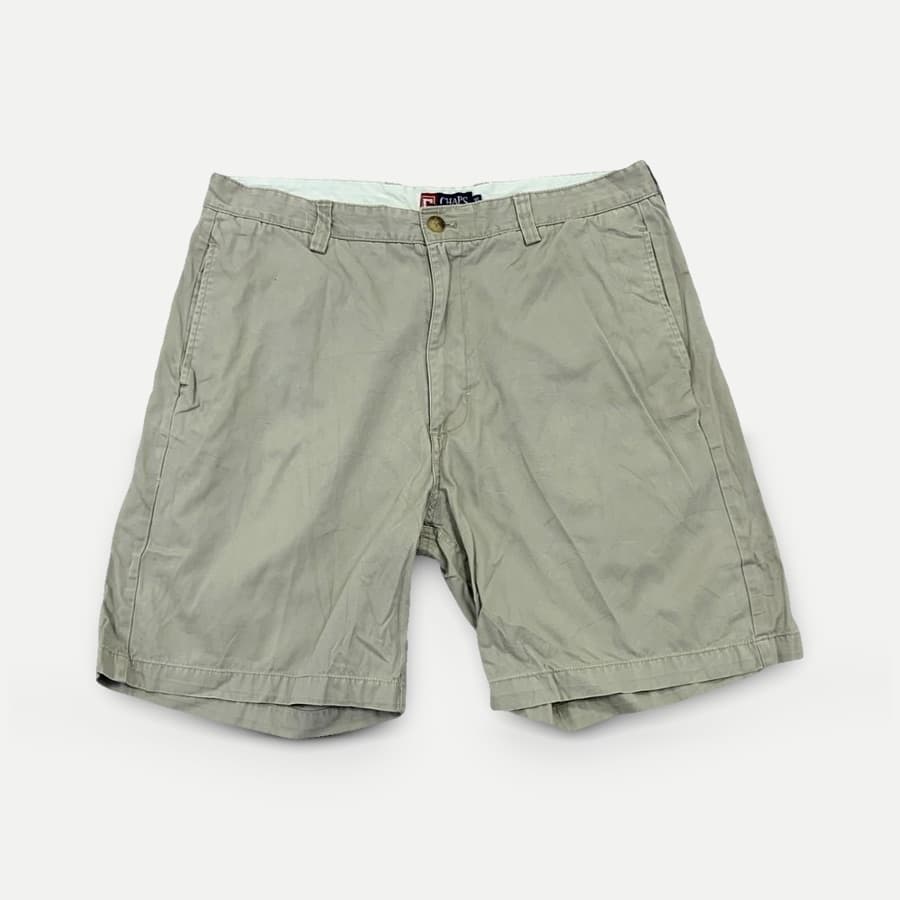
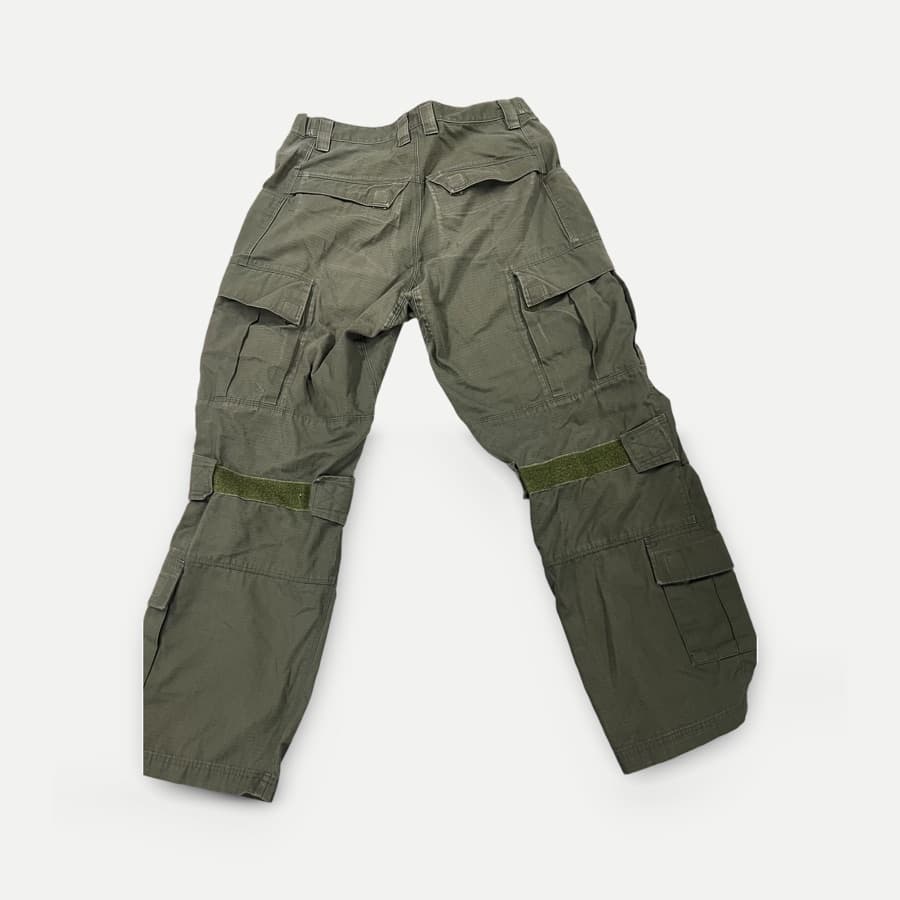
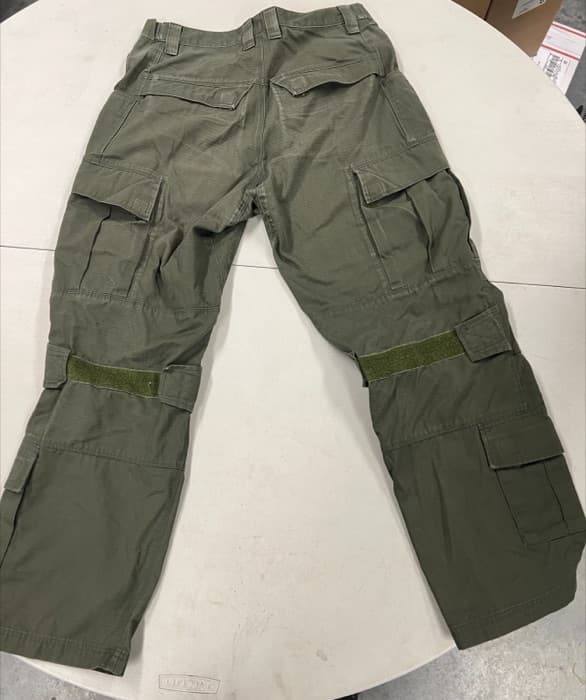
Remove backgrounds from multiple images in one batch
Step 1
Upload the batch
Select up to 50 photos per batch from your computer or phone.
Step 2
Pick one look
Studio White, Pure White, Concrete, Transparent, or your own background. Shadows on or off.
Step 3
Download and list
Save single photos or a ZIP, or export marketplace sizes. Restyle later without re-uploading.
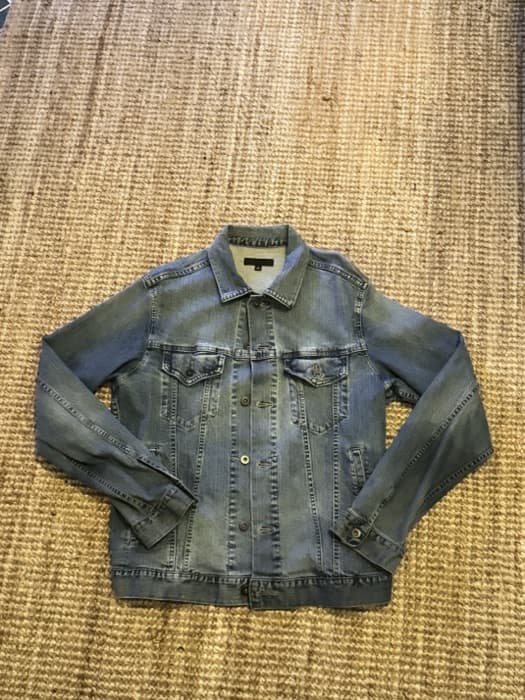
YOUR PHOTO
WITH YOUR BACKGROUND
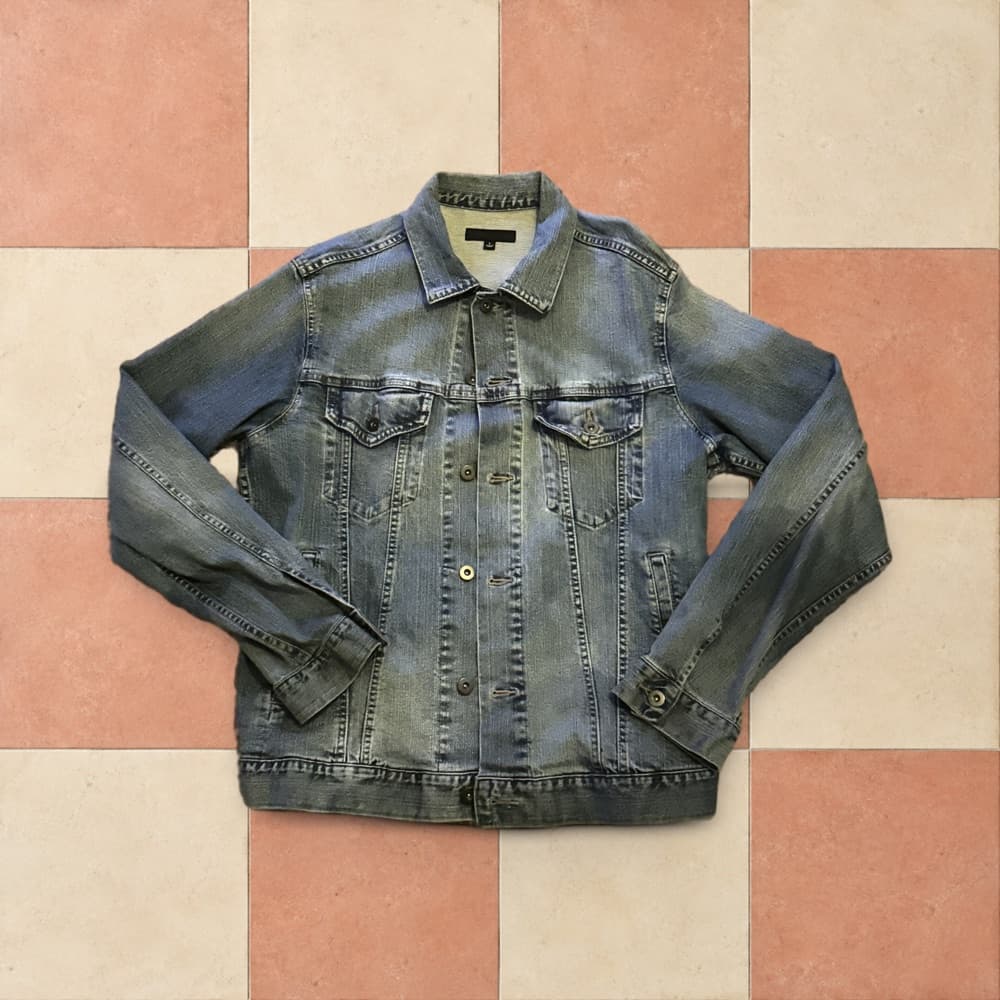
Your own background on every photo
Upload one background and Photolister applies it to the whole batch, so every listing looks like your shop. Save up to 5 and reuse them on your next drop. Included with photo packs.
More than a clean background.
Soft, natural-looking shadows add depth and help your products sit naturally against their new background. Give your photos a studio-style finish, not just a different backdrop.
Available with Studio White, Pure White, Concrete, and custom backgrounds. Transparent photos stay shadow-free.
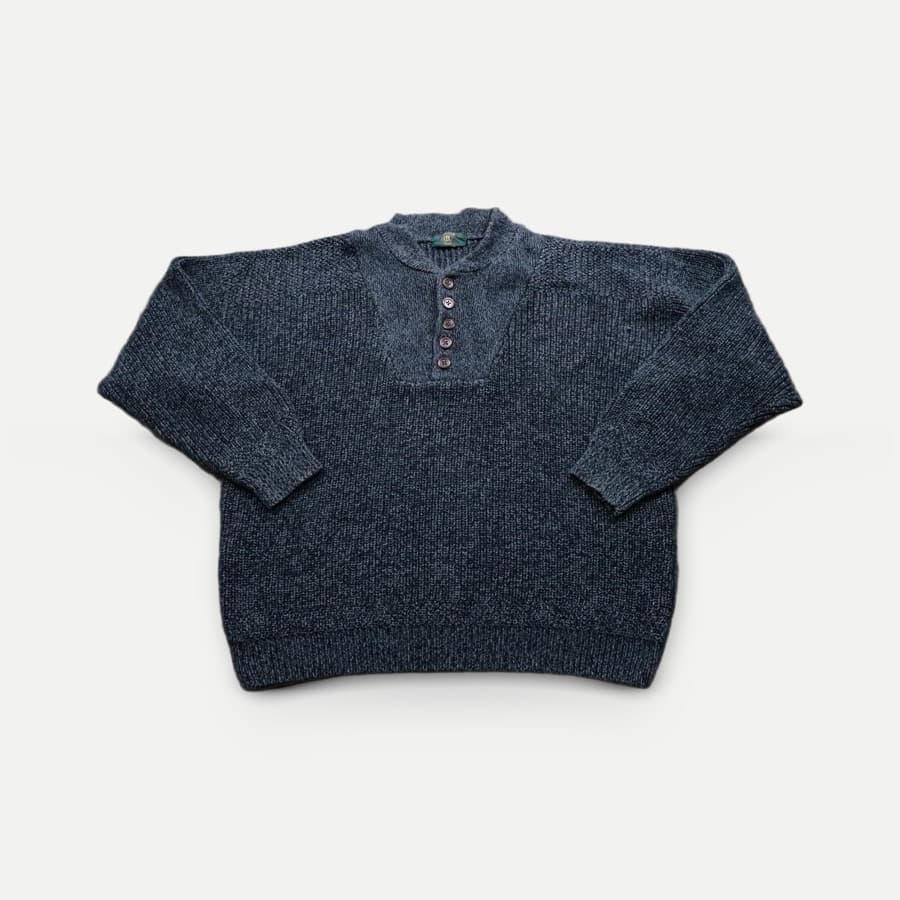
A real Photolister result
Why resellers choose Photolister
Built for the whole batch
Edit up to 50 photos per batch. Every photo comes back with the same background, centering, margins, and sharpening.
Up to 50 photos per batch
Pay once. No subscription.
Buy a one-time pack when you need photos. Restyles and exports of finished photos never use more, and neither has a cap.
From $0.20 per photo
Made for listing, not editing
No canvas, layers, or prompts to learn. Pick one look, including your own background, and download sizes for eBay, Etsy, Shopify, Amazon, and Depop.
One upload, one look, one download
One-time photo packs. No subscription.
No monthly fees and no export limits. Start with 5 free photos, then buy a pack when you need more photos.
Free
$0/ 5 photos
No signup or card
- All four styles
- Automatic sharpening
- Shadows on or off
- Standard 2000 × 2000 downloads
40 photos
$10/ 40 photos
$0.25 per photo
- Everything in Free
- Unlimited restyles and exports
- Marketplace size presets
- Custom backgrounds
100 photos
$20/ 100 photos
$0.20 per photo
- Everything in Free
- Unlimited restyles and exports
- Marketplace size presets
- Custom backgrounds
Each new original photo uses one photo from your pack. Downloads, restyles, and exports of processed photos never do.
A streamlined Photoroom and remove.bg alternative
Give your listing photos a polished, consistent finish across the whole batch, with a simple workflow and one-time pricing.
| Feature | PhotoLister | Photoroom | remove.bg |
|---|---|---|---|
| Workflow | One upload, one style, one download. No canvas or layers to learn. | All-in-one AI editor: backgrounds, models, video, and more | Background removal, moving into Canva |
| Batch results | Up to 50 photos per batch with the same background, centering, margins, and sharpening | Batch editing inside a larger design tool | Bulk editing on subscription plans |
| Pricing | One-time packs: $10 for 40 photos, $20 for 100 | Subscription from $12.99 per month | $9 per month for 40 credits, or $3 for 3 |
| Export limits | No cap on exports or restyles | 1,000 exports per month on Pro | Each image uses a credit |
Competitor details from photoroom.com/pricing and remove.bg/pricing, checked October 7, 2026. remove.bg has announced that its standalone website closes December 1, 2026. Restyles and export presets come with any Photolister photo pack.
Bulk background removal questions
Can't find an answer? Email support@photolister.com.
Guides
- How to keep clothing photos consistent
- Marketplace photo requirements, compared
- How to shoot photos that process well
How do I edit multiple product photos at once?
Upload up to 50 photos in one batch and pick one look. Photolister removes the backgrounds and gives every photo the same background, centering, margins, and shadow setting. Download photos one at a time or the whole batch as a ZIP.
Is there a subscription?
No. Photolister uses one-time photo packs: 40 photos for $10 or 100 photos for $20. Buy more when you need them. There is nothing to cancel.
Are there export limits?
No. With a photo pack, you can download, restyle, and export processed photos in marketplace sizes as often as you need. Only processing a new original photo uses your photos.
Is Photolister a good Photoroom or remove.bg alternative?
If you sell on eBay, Poshmark, Depop, Etsy, or Shopify and edit photos in batches, Photolister is built for that job. It is a streamlined batch workflow rather than an all-in-one AI editor, uses one-time packs instead of a monthly subscription, and has no export cap. remove.bg has announced that its standalone website closes on December 1, 2026, with background removal moving to Canva.
Can I use my own background?
Yes. With a photo pack, upload one background image and Photolister applies it to every photo in the batch, with shadows on or off. Save up to 5 backgrounds and reuse them on future batches for a consistent shop look.
What is included in the 5 free photos?
Background removal, framing, and sharpening on your first 5 photos, in Studio White, Pure White, Concrete, or Transparent, with standard 2000 × 2000 downloads. No signup needed.