Skip to content

Better product photos, one repeatable workflow.

Practical photo preparation and batch editing guides for resellers. Build a consistent catalog while keeping the details buyers need to see.

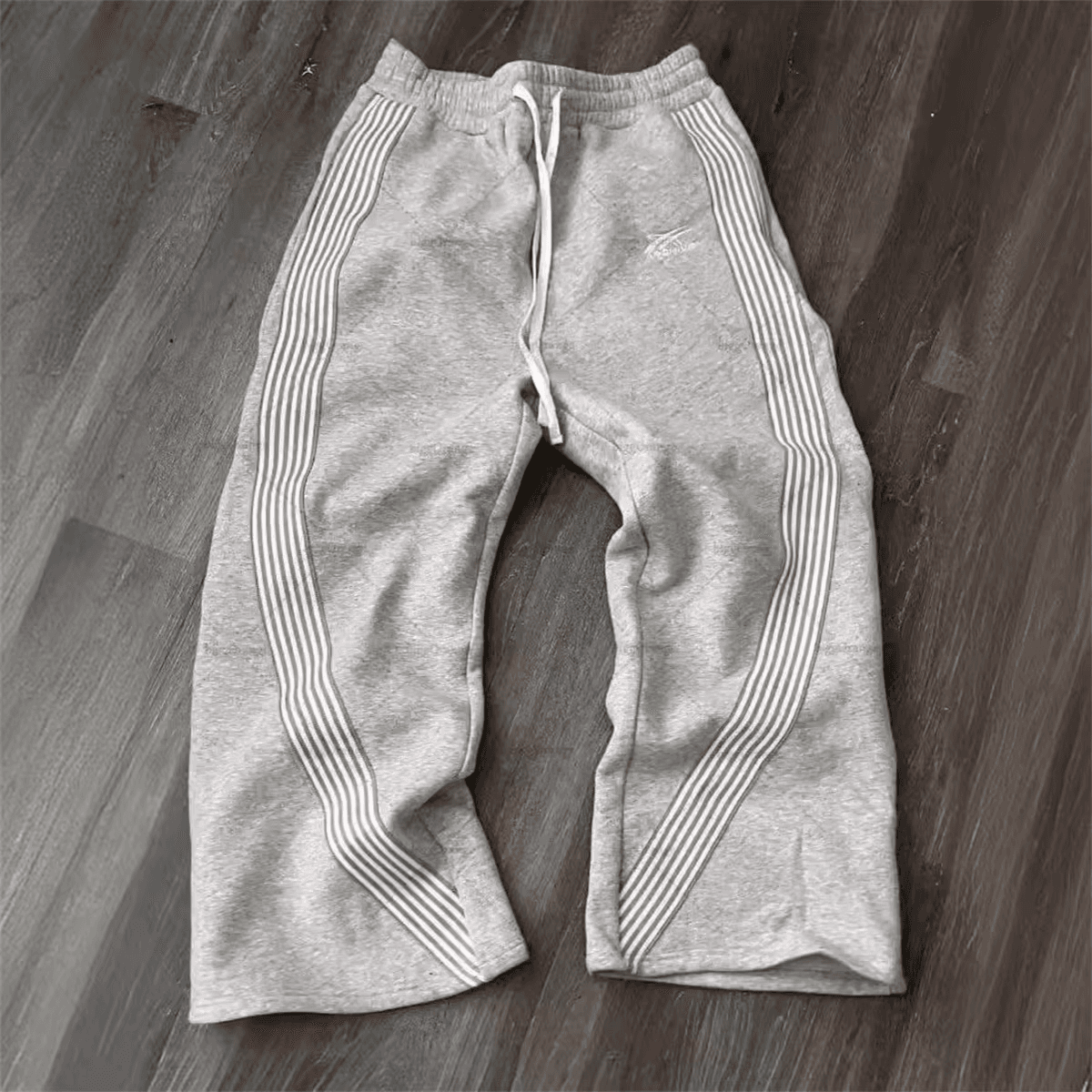
Original photo of grey sweatpants lying on a dark wooden floor

Original

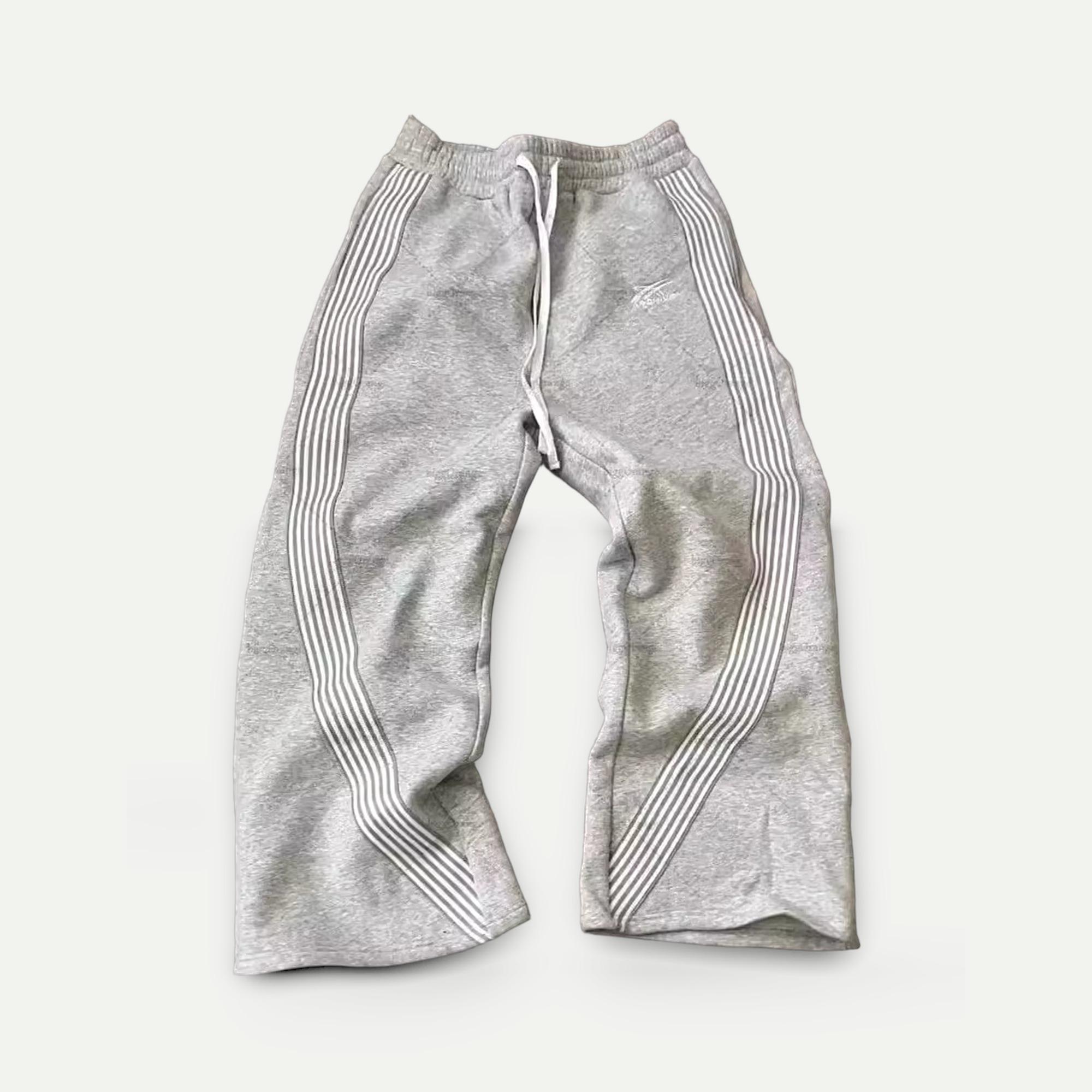
The same sweatpants on a plain light background

Edited for the listing

A real Photolister example. The guides show how to get from the first photo to the second without losing the details buyers check.

Photo requirements by marketplace

Photo limits from the comparison table, with the guide for each marketplace
MarketplacePhoto limitIn the guideReading time
eBay photo requirementsAt least 1, up to 24Size, count and picture policy4 min
Etsy photo requirementsUp to 20 photos and 2 videosSize, file types and thumbnail rules3 min
Shopify photo requirementsUp to 250 media items per productSize, file and media limits3 min
Poshmark photo requirementsUp to 16 photos and 1 video16 photos and 3:4 portrait covers4 min
Depop photo requirementsApp: 4 photos and 1 video. Web: 8 photosPhoto limits and the original-photo rule3 min
Mercari US photo requirementsUp to 12 photos12 photos and your own pictures3 min
Amazon US photo requirements1 main image required; 6+ more recommendedMain image, size and clothing rules4 min

Facebook Marketplace, Vinted and TikTok Shop US are covered in the full comparison.

Photography and workflow

Shoot, edit and export a consistent batch while keeping the details buyers need to see.

Start with a good original

Before editing a batch, check your lighting, framing, and background. Our photo preparation guide includes visual examples.

About these guides

Published by Photolister, the product-photo editing tool shown in these guides. Each guide links to the relevant marketplace sources and distinguishes Photolister examples from framing illustrations. Platform requirements can change, so check the linked official policy before listing.